1
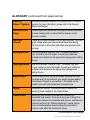
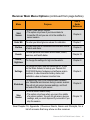
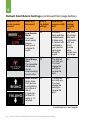
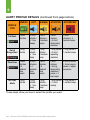
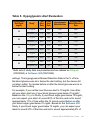
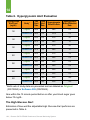
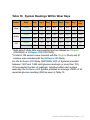
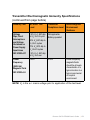
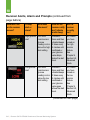
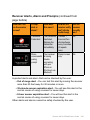
Default Alert/Alarm Settings (continued from page before)
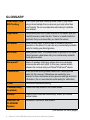
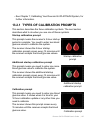
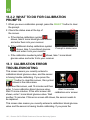
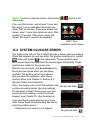
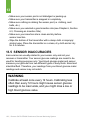
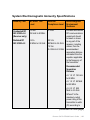
What will I see
on the receiver
screen?
What does
this mean?
What is
the default
setting?
How will the
receiver notify
me?
Will the
receiver
re-notify
me?
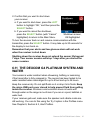
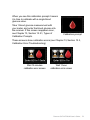
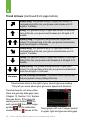
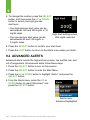
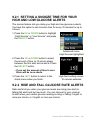
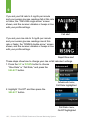
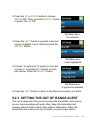
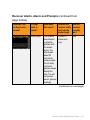
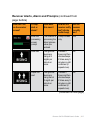
Rise/Fall Alert
Double Arrow
Your glucose
is rising/falling
at or above a
rate of
3 mg/dL/min
(at least 45
mg/dL in 15
minutes).
Off
The alert will
not notify you.
You must
change the
settings to
receive this
alert.
No
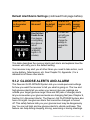
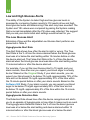
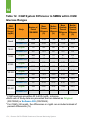
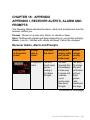
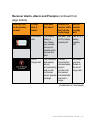
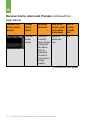
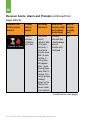
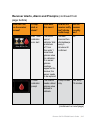
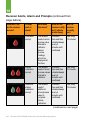
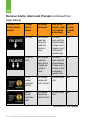
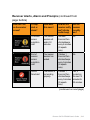
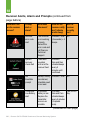
This table describes the receiver alerts and alarm and explains how the
receiver will notify you in the default setting.
Your receiver may alert you at other times you need to take action, such
as low battery, failed sensor, etc. See Chapter 18, Appendix I, for a
detailed list of these other alerts.
9.1.2 GLUCOSE ALERTS AND ALARM
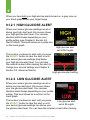
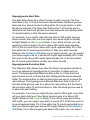
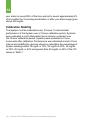
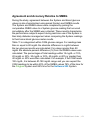
The Dexcom G4 PLATINUM System lets you create personal settings
for how you want the receiver to tell you what is going on. The low and
high glucose alerts tell you when your sensor glucose readings are
outside your target glucose range. Rise and fall (rate of change) alerts
let you know when your glucose levels are changing fast (see Chapter 9,
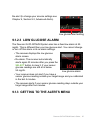
Section 9.2, Advanced Alerts). The Dexcom G4 PLATINUM System also
has a 55 mg/dL low glucose alarm that cannot be changed or turned
off. This safety feature tells you your glucose level may be dangerously
low. You can set high and low glucose alerts to vibrate and beep. This
feature can help during sleeping, driving, exercising or during meetings.
Dexcom G4 PLATINUM User’s Guide | 95