1
AT-8116 User’s Guide
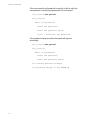
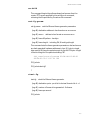
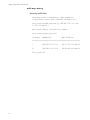
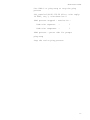
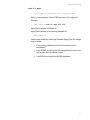
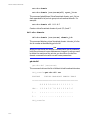
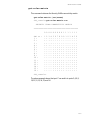
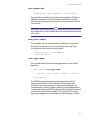
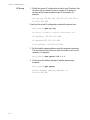
SYS_console>set-ip-cfg 194.90.136.187 255
255.255.0 255.255.255.255
Device IP Address set for this session
Device IP Address change in the NVRAM OK
The device NVRAM IP configuration will be:
IP address
: 194.090.136.187
IP netmask
: 255.255.255.000
IP broadcast : 255.255.255.255
SYS_console>
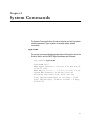
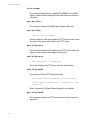
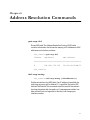
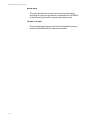
-- IP Config. is already defined.
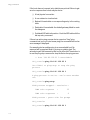
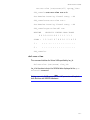
SYS_console>set-ip-cfg 194.90.136.187 255.255.255.0
255.255.255.255
Device IP address unchanged for this session
Device IP Address change in the NVRAM OK
The device NVRAM IP configuration will be:
IP address : 194.090.136.187
IP netmask : 255.255.255.000
IP broadcast : 255.255.255.255
SYS_console>
Perform a warm-reset to immediately use the newly defined
parameters.
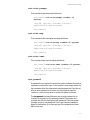
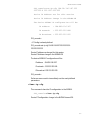
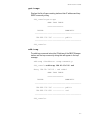
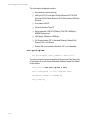
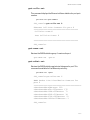
clear-ip-cfg
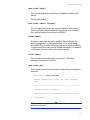
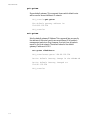
This command clears the IP configuration in the NVRAM.
SYS_console>clear-ip-cfg
Device IP Configuration change in the NVRAM cleared OK.
5-3