1
IP E-Class Administrator’s Manual
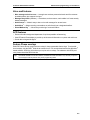
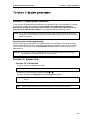
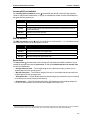
Function 1: System parameters
Function 1: System parameters
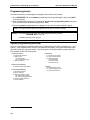
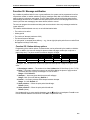
Function 13: Administrator password
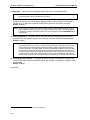
These functions will display the existing password and prompt for entry of a new password. The passwords can be 2–8 digits long, followed by #. The Installer can change either the Installer or
Administrator password. Only those functions listed in the Administrator Manual can be programmed via the Administrator password. The default Administrator password is 4 5 6.
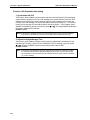
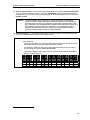
Notes: You can use the Administrator password to access a user’s station programming. At the station, when
prompted for the user’s password, enter either the Administrator password, then follow normal user programming procedures.
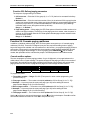
Accessing user station programming
Should a user forget his password or if an employee leaves the organization, this feature allows the
Installer or Administrator to enter a user's station programming and operate within it as if he were the
user. From the user’s station, enter the Administrator password when the system prompts for the
user password.
Example: From station 105, entering 4 5 6 # instead of the user password (1 0 5 #) will enter the station’s
user programming. (Default password shown for this example).
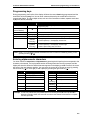
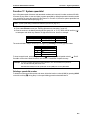
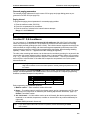
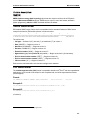
Function 14: System clock
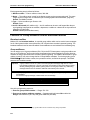
Function 141: Set time/date
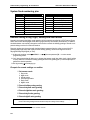
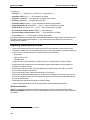
1. Enter a new time in a twelve-hour format.
Example: Enter 1 2 3 3 for 12:33, or 3 1 5 for 3:15 (note that you need no leading zero for the time).
2. Select AM or PM by pressing a scroll key (either W or V).
3. Enter a new date in an eight-digit format, including leading zeroes.
Example: Enter 0 7 0 4 2 0 0 3 for July 4, 2003 (note that leading zeroes are required here, unlike in
Step 1).
4. Press # to finish the entry.
Note: A built-in battery maintains the correct time and date, even in the event of a power loss.
B.1