1
Adjustments
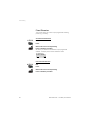
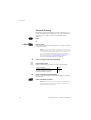
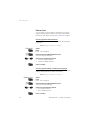
Discreet Ringing
In the discreet ringing mode, your phone starts ringing at the lowest
audible volume level. It then gets louder and louder.
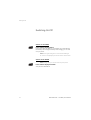
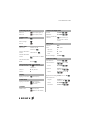
Route: Settings » Alerts » DiscreetRng
.i
L M
DiscreetRng
Select
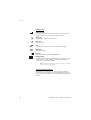
Press
The current setting is displayed.
or
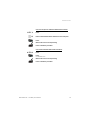
Select one of the following options:
• On to activate Discreet Ringing.
.i
•
Off
for no Discreet Ringing.
Press to confirm
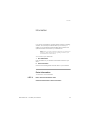
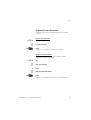
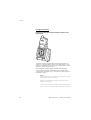
Vibrating Alert
If you do not want to be disturbed by the ringing of your phone, but
still get the call indication, or if you are in a noisy environment, you
can activate the Vibrating Alert.
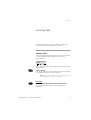
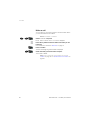
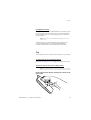
Route: Settings » Alerts » Vibrator
.i
L M
Vibrator
or
.i
78
Select
Press
The current setting is displayed.
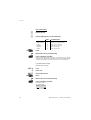
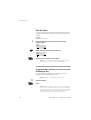
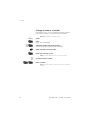
Select one of the following options:
• On for Vibrating Alert.
•
Off
•
OnIfSilent for Vibrating Alert when the ringer is permanently
off. See section “Adjust ringer volume” on page 76.
for no Vibrating Alert.
Press to confirm
BusinessPhone – Cordless phone DT290