1
During Calls
Mute microphone
<
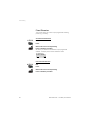
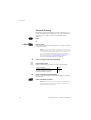
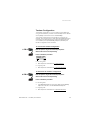
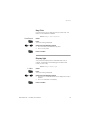
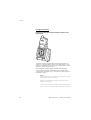
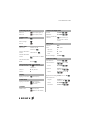
To mute the microphone, during an ongoing conversation:
Press and hold
The caller will not hear the conversation in your room. Short beeps
and the ring off icon indicate that the microphone is off.
ExternalCall
Anna
<
<
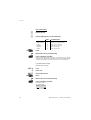
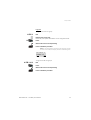
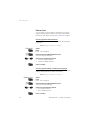
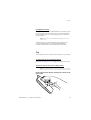
Press quickly
Short beeps and the ring off icon indicate that the microphone is off.
Press again, to turn the microphone on
Note: It is advised to use this feature instead of putting a
call on hold. A call on hold may be diverted to your operator,
directly or after some time.
Call Waiting
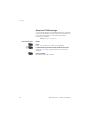
If you hear the Call Waiting tone during an ongoing conversation,
another person is trying to contact you.
,|
.i
26
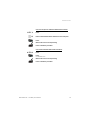
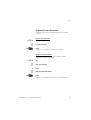
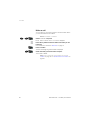
To terminate the ongoing call and answer the waiting
call
Press to finish the ongoing call
The waiting call is signalled on your phone.
Press to answer the new call
Note: The Call Waiting function might be blocked for use on
your extension (programmed by system administrator).
BusinessPhone – Cordless phone DT290