1
VTGO-PC 2.8 Advanced User Guide
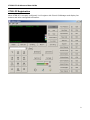
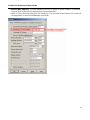
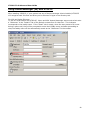
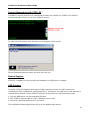
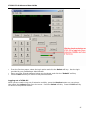
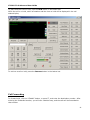
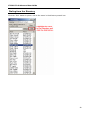
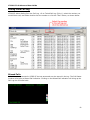
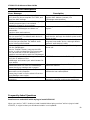
The first icon is a contacts icon with a question mark. When you receive a call, VTGO-PC will try
to find that contact in your contact list. If the caller is in the contact list, the question mark goes
away.
If the call received contacts is not in the Outlook directory, the question mark remains.
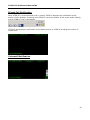
If the caller is one of your contacts, clicking the button will pull up that contact.
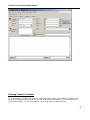
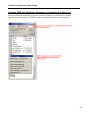
If the caller is not a contact, but you would like to add them to your contact list, click the icon, fill
in the contact form and click “Save and Close” to add the contact. The next time this contact
calls, VTGO-PC will find this contact.
24