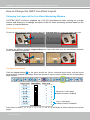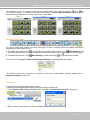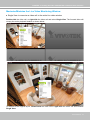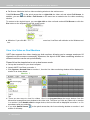
1
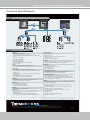
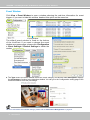
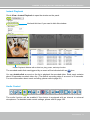
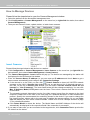
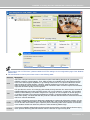
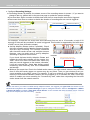
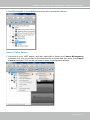
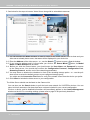
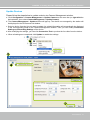
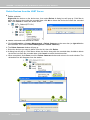
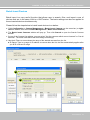
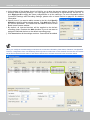
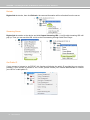
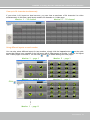
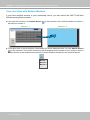
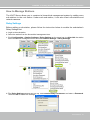
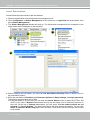
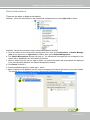
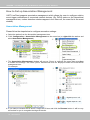
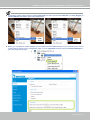
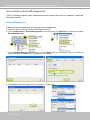
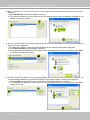
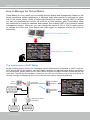
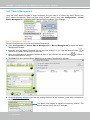
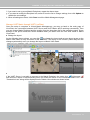
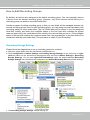
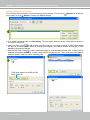
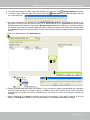
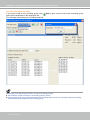
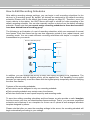
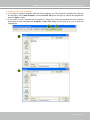
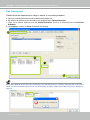
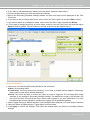
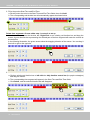
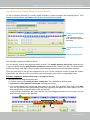
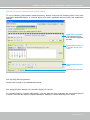
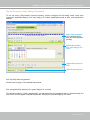
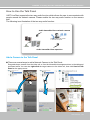
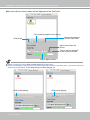
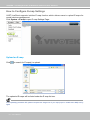
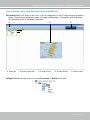
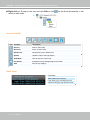
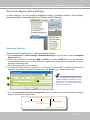
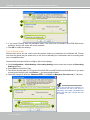
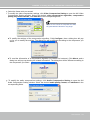
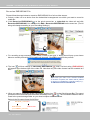
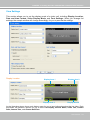
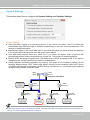
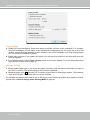
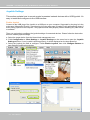
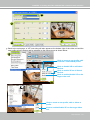
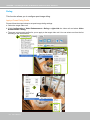
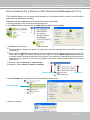
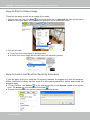
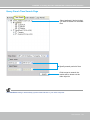
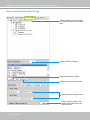
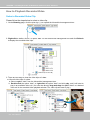
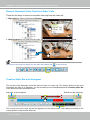
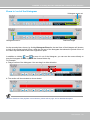
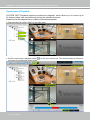
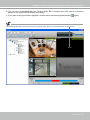
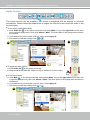
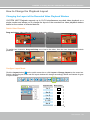
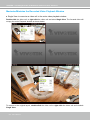
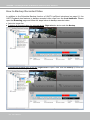
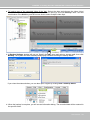
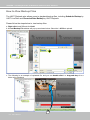
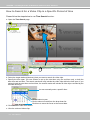
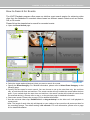
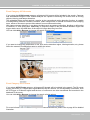
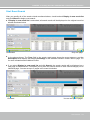
VIVOTEK - A Leading Provider of Multimedia Communication Solutions How to Use the Talk Panel VAST LiveClient supports the two way audio function which allows the user to communicate with people around the network camera. Please enable the two way audio function on the camera side. The following is an illustration of the two way audio function: Audio transmitted from network camera Network Camera with internal or external microphone Audio transmitted from operators Add a Camera to the Talk Panel There are several ways to add a Network Camera to the Talk Panel: Drag-and-drop a camera from the video cell or from the hierarchical management tree to the talk panel as shown below. You can also right-click the target camera or the video cell, then click Send to Talk Panel on the popup menu. User's Manual - 107