1
OVERVIEW
OF
IPX
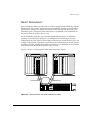
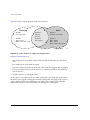
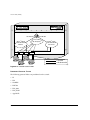
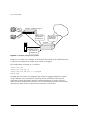
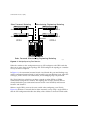
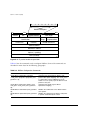
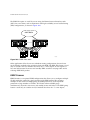
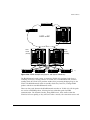
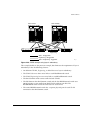
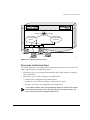
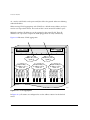
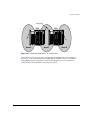
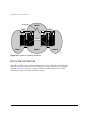
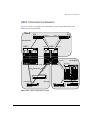
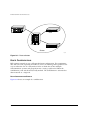
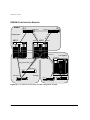
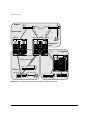
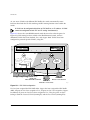
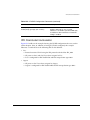
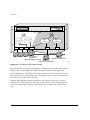
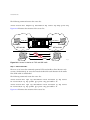
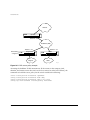
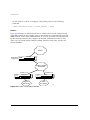
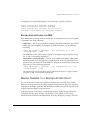
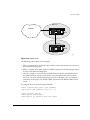
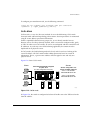
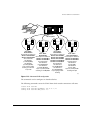
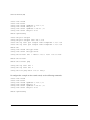
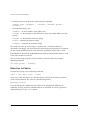
Traffic within each VLAN is switched using the Ethernet MAC address. Traffic between
Exec and Support is routed using the IPX NetID. Traffic cannot be sent between the IP
VLANs (Finance and Personnel) and the IPX VLANs (Exec and Support).
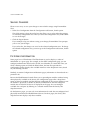
IPX ROUTING PERFORMANCE
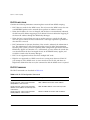
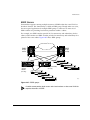
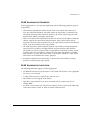
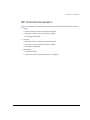
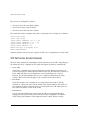
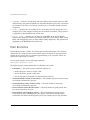
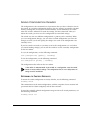
To use IPX routing, you must have a switch that has the “i” chipset. Switches that have
the “i” chipset are capable of performing IPX routing at wire-speed.
Switches that do not have the “i” chipset no longer support IPX routing capabilities.
Previous versions of ExtremeWare supported CPU-based IPX routing on switches that
did not have the “i” chipset. CPU-based IPX routing as been removed on switches that
do not use the “i” chipset to support other features in ExtremeWare.
IPX ENCAPSULATION TYPES
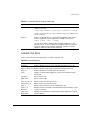
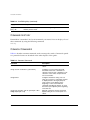
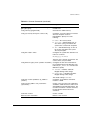
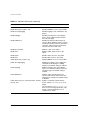
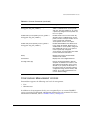
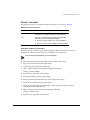
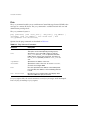
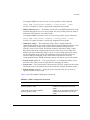
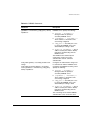
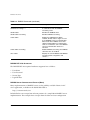
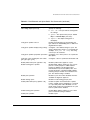
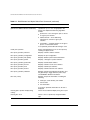
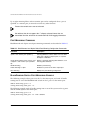
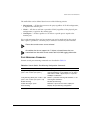
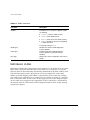
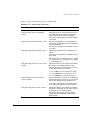
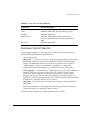
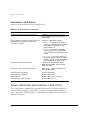
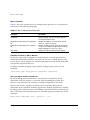
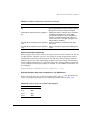
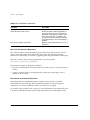
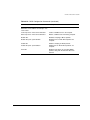
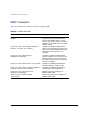
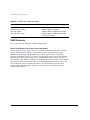
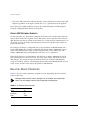
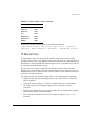
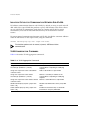
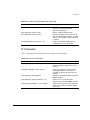
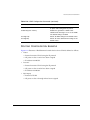
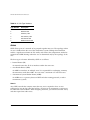
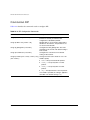
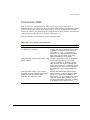
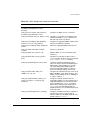
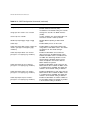
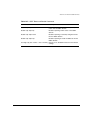
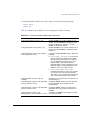
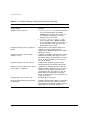
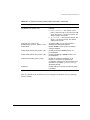
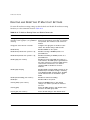
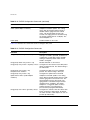
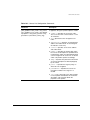
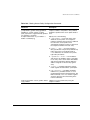
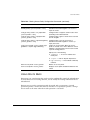
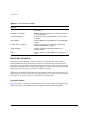
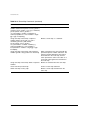
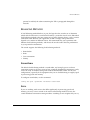
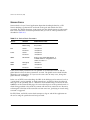
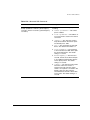
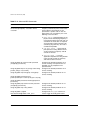
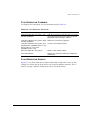
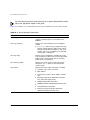
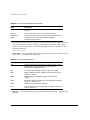
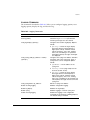
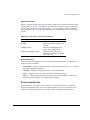
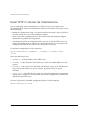
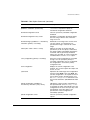
Novell NetWare™ supports four types of frame encapsulation. The ExtremeWare term
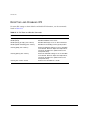
for each type is described in Table 15-1.
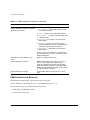
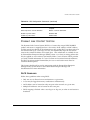
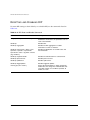
Table 15-1: IPX Encapsulation Types
Name
Description
ENET_II
The frame uses the standard Ethernet 2 header.
ENET_8023
The frame includes the IEEE 802.3 length field, but does not
include the IEEE 802.2 Logical Link Control (LLC) header.
This encapsulation is used by NetWare version 2.x and the
original 3.x version.
ENET_8022
The frame uses the standard IEEE format and includes the
IEEE 802.2 LLC header. This encapsulation is used by
NetWare version 3.12 and 4.x.
ENET_SNAP
The frame adds a Subnetwork Access Protocol (SNAP)
header to the IEEE 802.2 LLC header.
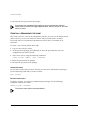
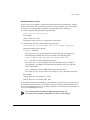
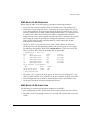
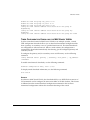
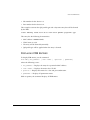
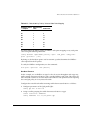
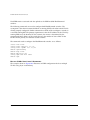
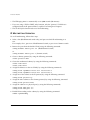
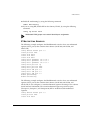
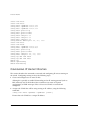
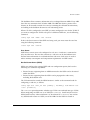
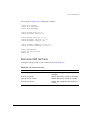
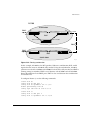
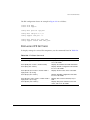
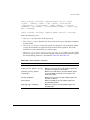
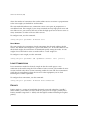
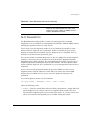
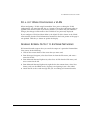
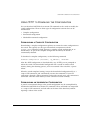
To configure a VLAN to use a particular encapsulation type, use the following
command:
config vlan <name> xnetid <netid> [enet_ii | enet_8023 | enet_8022 |
enet_snap]
EXTREMEWARE SOFTWARE USER GUIDE
15-3