1
70
3
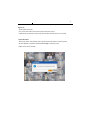
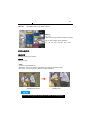
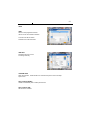
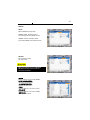
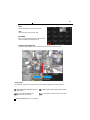
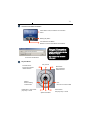
Move & Event Search
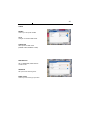
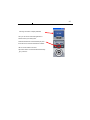
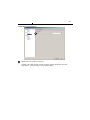
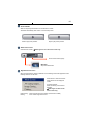
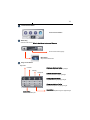
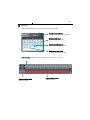
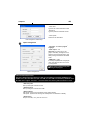
Move Button : Move to selected time
Event Search Button : Popup the event search window
Shows start and end time of recorded
data.
Moves to the time to search and press
OK button.
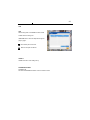
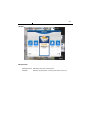
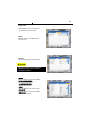
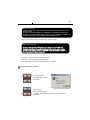
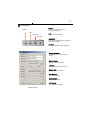
<Move Window>
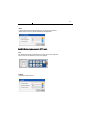
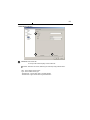
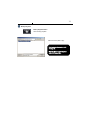
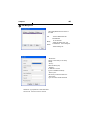
Select the time to event search
Select events in detail.
Select the camera to search.
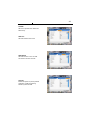
Start event search. Click below Import
button to list events.
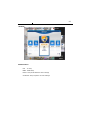
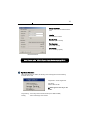
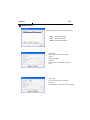
Shows current searched event lists.
Hotkey :Play the searched event.
Click Stop button first and select a
certain event list and click Hotkey to play
the event.
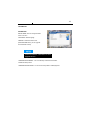
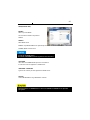
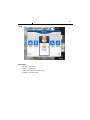
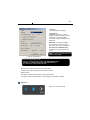
<Event Search Window>
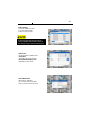
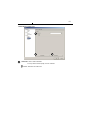
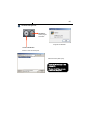
Import : Search the next event list.
※ 10 lists are shown every time clicks
import buttton
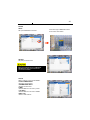
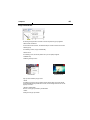
Please make sure to select “WRITE LOG” of the system.
If not, event lists aren’t searched.