1
50
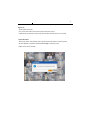
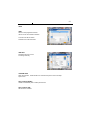
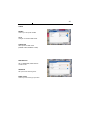
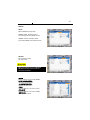
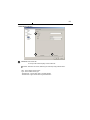
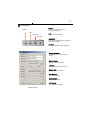
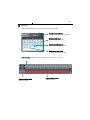
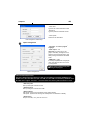
Language :
To choose program’s language.
Video Display :
YUV mode : According to your PC
graphic card ability, the support can be
decided. This mode shows faster,
clear ability of image transmission than
RGB mode.
RGB mode : It is widely compatible
with most graphic cards, and select
this when YUV mode is not supported..
Resolution from 1024X768 starts :
It always shows 1024 x768 when you
check..
※ Above setting value will apply after
restart of the program.
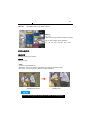
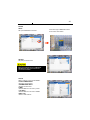
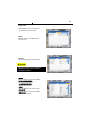
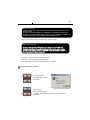
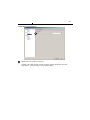
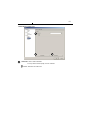
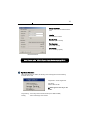
<Program Setup Window>
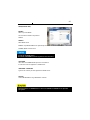
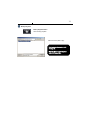
<Recommended Graphic Card>
ATI series : Radeon7000series (More then 32M), RADEON series…
NVIDIA series : M64series(More then 32M), GEFORCE series…
Etc : VGA card to support YUV mode YUV…
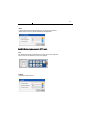
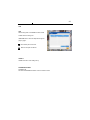
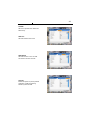
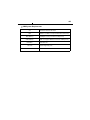
Data Save Place :Sets ups basic path of AVI file to save.
AVI Saving time : Sets up saving time of AVI file from remote.
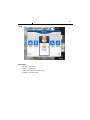
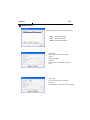
Network Speed :
High Speed : System sends off images at high speed possible.
Low Speed : System sends off images at normal speed in consideration of stability.
3
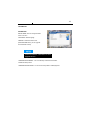
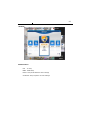
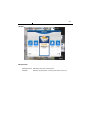
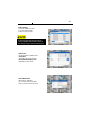
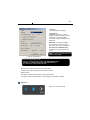
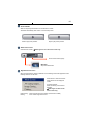
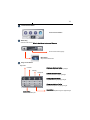
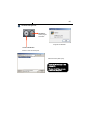
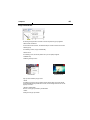
Status Icon
Status icon of connected DVR