1
M580.book Page 138 Monday, April 18, 2011 11:18 AM
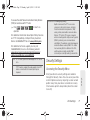
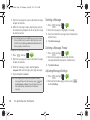
4. Tap
. (The phone number appears within the
Talk button.) (You will see a message and hear a
tone to confirm the activation of Call Forwarding.)
To deactivate Call Forwarding:
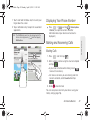
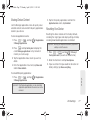
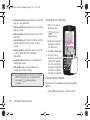
1. Press
and tap
onscreen dialer.
>
Phone
to access the
2. Tap
PQRS
. (You will
see a message and hear a tone to confirm the
deactivation.)
Note: You are charged a higher rate for calls you have
Roaming on Other Digital Networks
When you’re roaming on digital networks, your call
quality and security is similar to the quality you receive
when making calls on the Nationwide Sprint Network.
However, you may not be able to access certain
features, such as data services, depending on the
available network.
Note: If you’re on a call when you leave the Nationwide Sprint
Network, and your call is dropped in an area where you
think Sprint service is available, turn your phone off and
on again to reconnect to the network.
forwarded.
Roaming
Roaming Icon
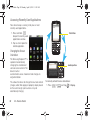
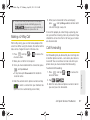
Your display screen always lets you know when you’re
off the Nationwide Sprint Network. Anytime you are
roaming, the phone displays the roaming icon (
). If
you are roaming on a digital system, you will see the
roaming icon along with the text – Digital Roam – .
Checking for Voicemail Messages While
Roaming
When you are roaming off the Nationwide Sprint
Network, you may not receive on-phone notification of
new voicemail messages. Callers can still leave
messages, but you will need to periodically check your
voicemail for new messages if you are in a roaming
service area for an extended period of time.
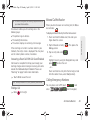
1. Dial your ten-digit phone number.
2. When you hear your voicemail greeting, tap
138
3A. Sprint Service: The Basics
.