1
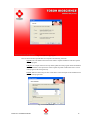
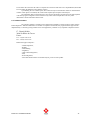
The next pop-up screen will ask you to accept the licence agreements of the Software.
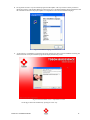
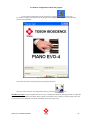
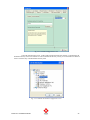
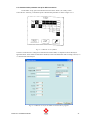
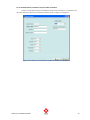
Fig. 2.2.6 First setup screen
On this page confirm the installation by pressing the “Next” key. The next pop-up screen will ask you to
accept the licence agreements of the Software.
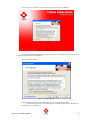
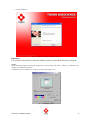
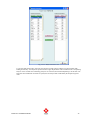
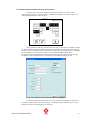
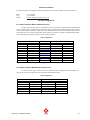
This screen looks as follows:
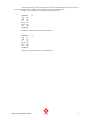
Fig. 2.2.7 License agreement
Read this license agreement very carefully and press “Yes” to confirm the agreement.
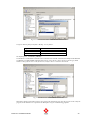
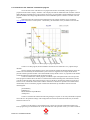
On the next screen, the user can see the progress to install the program onto the harddisk. The
default location is “c:\pianoEvo_4”.
PIANO Evo 4 Installation Manual
15