1
2.4.3 Communication parameter set-up for AIA-21
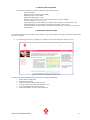
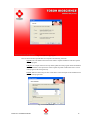
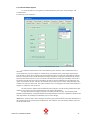
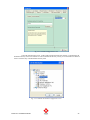
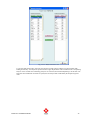
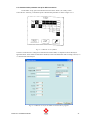
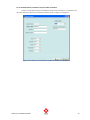
The settings for the AIA-21 instrument should be set up as shown in figure 2.4.3.1
Fig. 2.4.3.1 PIANO Evo-4 PC settings
NOTE: Very important is the name given to the analyser. This name should match exactly the name that has been
set into the AIA-21 RS-232 specification screen. If you’re about to connect 2 or more AIA-21 analysers, be aware
that every instrument needs to be named differently.
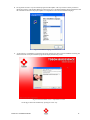
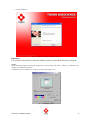
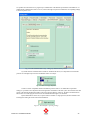
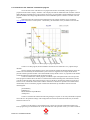
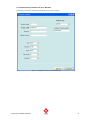
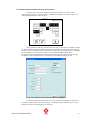
As soon as the Communication port has been assigned, the name has been entered and the communication
parameters have been set-up, press the continue button to proceed. This will call up a confirmation window. Press
ENTER or OK to confirm the port set-up.
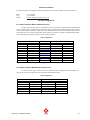
Fig. 2.4.3.2 Communication set-up confirmation.
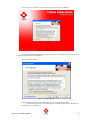
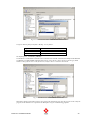
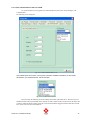
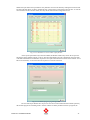
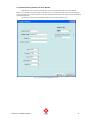
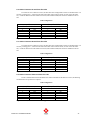
In the case that the indicated port has already been assigned, the program will show the following error.
Fig. 2.4.3.3 Error message
PIANO Evo 4 Installation Manual
37