1
Operation
Monitoring Event-Detected Video
The DVR can be set to display the event-detected video in full-screen on the monitor
during the preset dwell time when there is an event. The monitor displays video from
the lowest numbered camera of the cameras associated with the event-detected
sensor.
After the event monitoring dwell time passes, the DVR returns to the previous screen
format. When event monitoring is activated, the monitoring for all other subsequent
events is ignored.
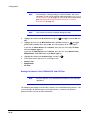
Overriding the Event-Detected Video Setting
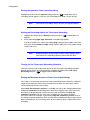
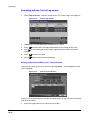
Press the individual camera button during event monitoring to release the DVR from
displaying the current event and to display the selected camera.
OR
Press QUAD/SEQUENCE during event monitoring to return to the previous screen
format.
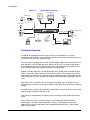
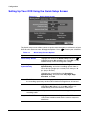
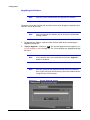
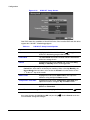
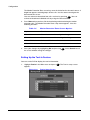
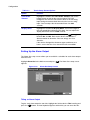
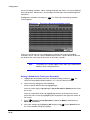
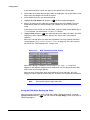
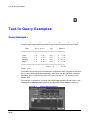
Displaying Text-In Data
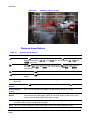
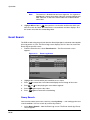
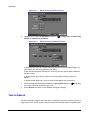
The DVR displays text-in data if there is any text input during live monitoring. The text-in
information superimposes over the monitor’s image.
Note
The text-in displays only in full screen.
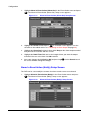
Figure 4-2
Document 800-00919 Rev F
02/08
Live Monitoring (Text-In) Screen
105