1
Configuration
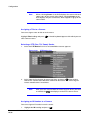
Note
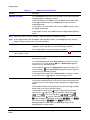
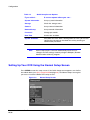
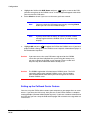
When selecting Covert 1, the DVR displays the camera title and
status icons on the covert video. When selecting Covert 2, the
DVR displays only the camera title, which appears in gray on the
covert video.
Assigning a Title to a Camera
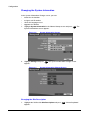
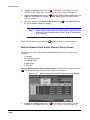
You can assign a name or title to each camera.
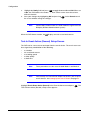
Highlight Title heading and press
enter camera names.
. A virtual keyboard appears with which you can
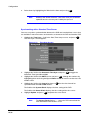
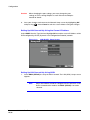
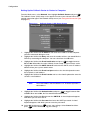
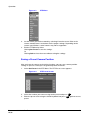
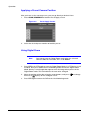
Selecting a PTZ (Pan, Tilt, Zoom) Device
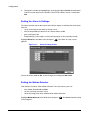
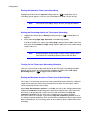
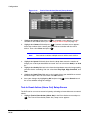
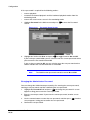
1.
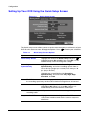
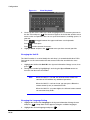
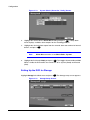
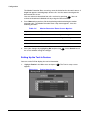
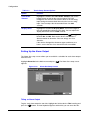
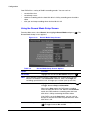
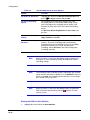
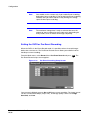
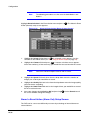
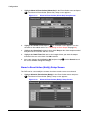
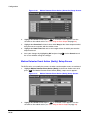
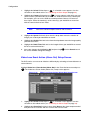
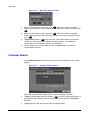
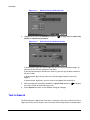
Select the PTZ Device field. A list of controllable cameras appears.
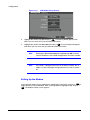
Figure 3-20
2.
PTZ Device List
Select from the list the type of camera you have and press
. You need to
connect the camera to the RS-232C terminal on the back of the DVR using the
camera manufacturer's instructions.
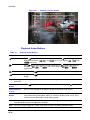
Note
After you have selected from the menu the PTZ device you want
to control, the
icon displays on the PTZ camera screen.
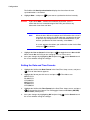
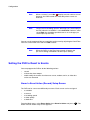
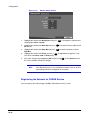
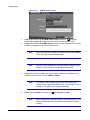
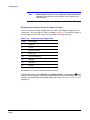
Assigning an ID Number to a Camera
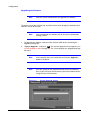
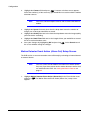
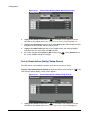
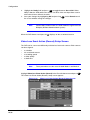
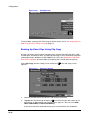
You can assign an ID number to each camera.
1.
Highlight the ID heading and press
Document 800-00919 Rev F
02/08
.
51