1
Configuration
Note
The following procedures are the same for both Mode 1 and
Mode 2.
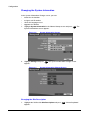
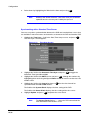
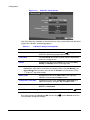
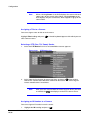
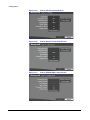
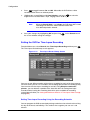
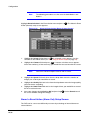
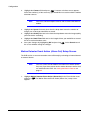
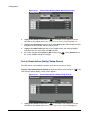
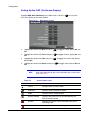
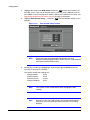
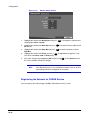
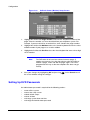
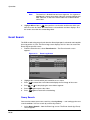
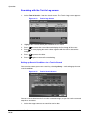
Highlight Alarm-In Action in the Event Action menu and press
Action (Record) setup screen appears.
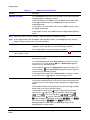
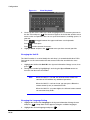
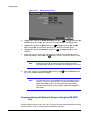
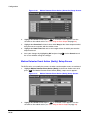
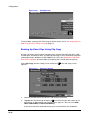
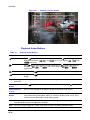
Figure 3-36
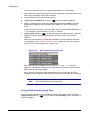
. The Alarm In Event
Alarm In Event Action (Record) Setup Screen
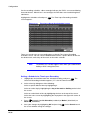
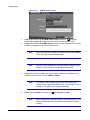
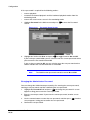
1.
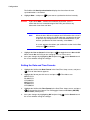
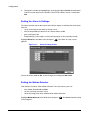
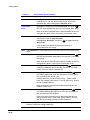
Highlight the Sched field and press
. A schedule screen appears. Set the
schedule as described earlier (see Scheduling an Alarm Output on page 59).
2.
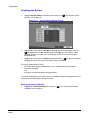
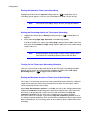
Highlight the Camera field and press
. A camera selection screen appears.
Select the number(s) of the camera(s) you would like to associate with the sensor.
Note
You can associate multiple cameras with a sensor.
3.
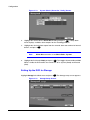
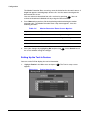
Highlight the Speed field and select from the drop-down menu the number of
images per second you would like to record.
4.
Highlight the Quality field and select from the drop-down menu the image quality
you want for the recording.
5.
Highlight the Dwell Time field and set the length of time you would like to record
for the associated event.
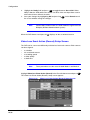
6.
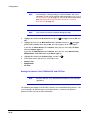
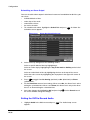
Save your changes by highlighting OK and pressing
the screen without saving the changes.
. Select Cancel to exit
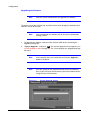
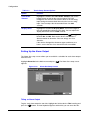
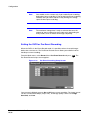
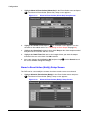
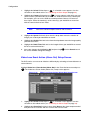
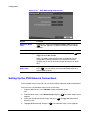
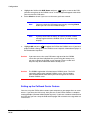
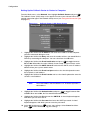
Alarm In Event Action (Alarm Out) Setup Screen
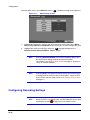
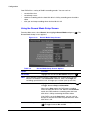
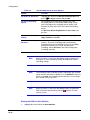
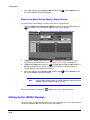
The DVR can be set to react differently to events by activating an internal buzzer or
external alarms.
Document 800-00919 Rev F
02/08
69