1
PollCat NetLink II - User’s Guide
Servers and Clients
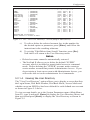
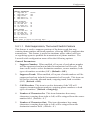
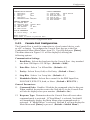
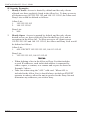
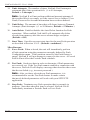
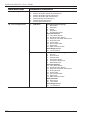
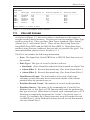
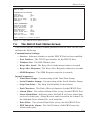
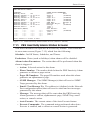
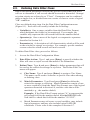
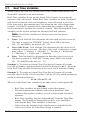
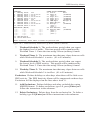
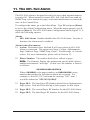
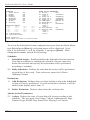
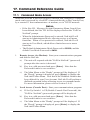
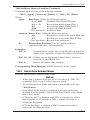
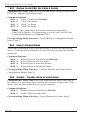
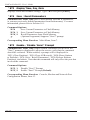
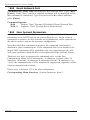
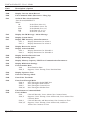
31. Telnet Access: Enables/disables Telnet access to the NetLink II.
When Telnet Access if "Off," users and administrators will not be able
to establish a Telnet connection to the unit. (Default = Off.)
Note: When the NetLink II unit is reset to defaults, the Telnet
Access option will return to the default "Off" state. In order to
communicate with the unit after it has been set to defaults, you must
first access command mode via Console Port or Modem and enable
Telnet Access.
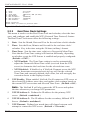
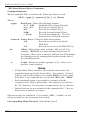
32. SSH Access: Enables/disables SSH communication with the
NetLink II. (Default = On.)
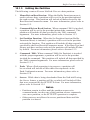
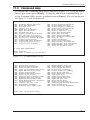
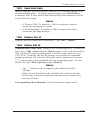
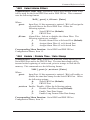
33. SYSLOG IP Address: The IP Address for the Syslog Daemon that
will receive Audit Trail records generated by the NetLink II. For more
information, please refer to Section 16.1.6. (Default = undefined.)
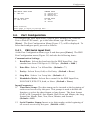
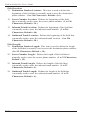
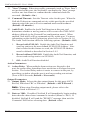
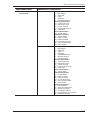
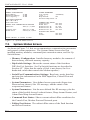
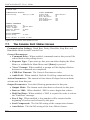
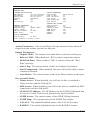
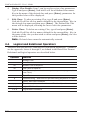
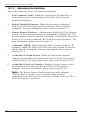
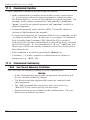
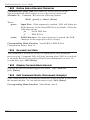
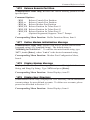
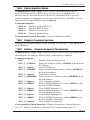
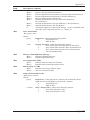
34. SNMP Access: Enables and configures SNMP Polling. The submenu
for this item offers three options:
1.
Enable: Enables/disables SNMP Polling. (Default = Off.)
2.
Contact: The SNMP Contact. (Default = undefined.)
3.
Location: The SNMP Location. (Default = undefined.)
4.
Community: The SNMP Community. (Default = Public.)
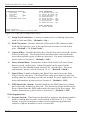
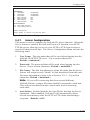
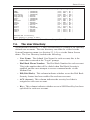
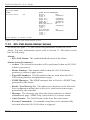
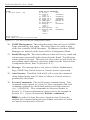
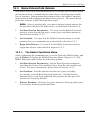
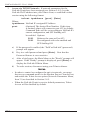
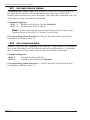
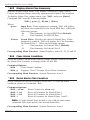
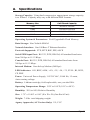
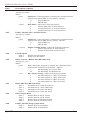
35. SNMP Trap: Enables and configures the SNMP Trap function.
When enabled, NetLink II can send SNMP traps in order to provide
notification when alarms and other events are detected. For more
information on Alarm Actions, please refer to Section 12. The
submenu for this item offers three options:
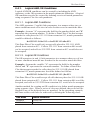
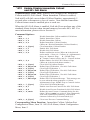
5-28
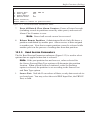
1.
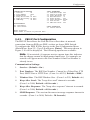
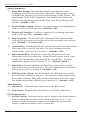
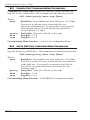
SNMP Manager 1: Defines the IP Address for the first SNMP
Manager. NetLink II allows definition of two SNMP Managers.
(Default = undefined.)
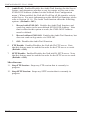
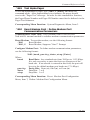
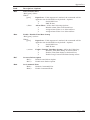
2.
SNMP Manager 2: Defines the IP Address for the second SNMP
Manager. (Default = undefined.)
3.
SNMP Community: Defines the SNMP Community.
(Default = public.)