1
Asylum AFM SOP1
Model:
Serial Number:
MFP Controls
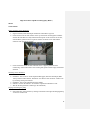
Before flipping over Housing, raise the stage to its MAX as to not crash the tip into the surface
1. Flip over Housing; make sure Housing is level
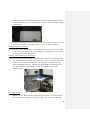
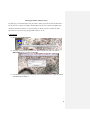
2. Click Live Video (Screen Image on bottom)
3. Turn on light at computer. Align at instrument to find the cantilever
4. Adjust back & right dials to increase SUM to its MAX VALUE
5. Adjust left dial to make REFLECTION = 0
6. Turn light off, close live video
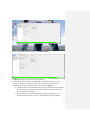
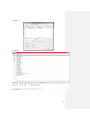
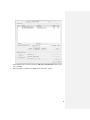
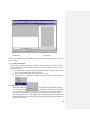
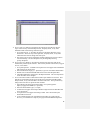
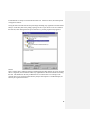
Tune Tab
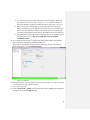
1. Auto Tune High = 400 KHz (Vistaprobe) / 100 KHz (Asylum)
2. Target % = -5%
3. Click Auto Tune
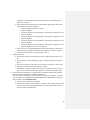
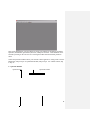
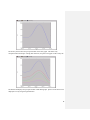
Main
1.
2.
3.
4.
5.
Scan Size = 50 μm (can vary)
Scan Points = 256
Scan Lines = 256
Set Point = 900 (or 800)
Data Scale = 400 nm
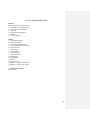
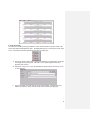
Meter
1.
2.
3.
4.
5.
6.
7.
Click Engage
AMPLITUDE in range of 1
Z VOLTAGE 150
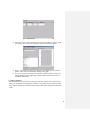
Bring down tip
AMPLITUDE gets to 0.90 (Ding!)
Go down until Z VOLTAGE = 30-40
Close Housing
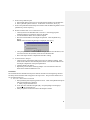
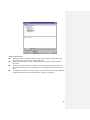
Main
1. Click Set Point Dot (Activates Wheel)
1
9/15/2010
3