1
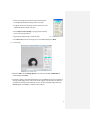
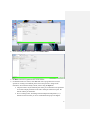
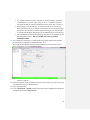
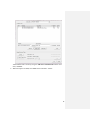
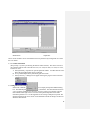
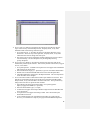
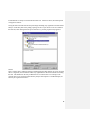
2. Raise Z VOLTAGE to MAX VALUE (150 is MAX VALUE; if 150 is reached, reengage tip by lowering the tip until the Z VOLTAGE = 30-40; Click Set Point Dot and
raise Z VOLTAGE to MAX VALUE again. Repeat until MAX VALUE ≠ 150)
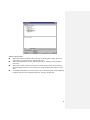
3. Click Clear Image
4. Click Do Scan
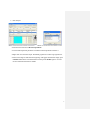
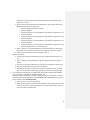
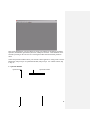
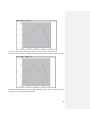
5. Change Dots between Set Point/Integral Gain/Drive Amplitude to match the Trace to be
close to the Retrace (Click Slow Scan Disabled to hold the scan line steady)
6. Unclick Slow Scan Disabled, click Clear Image, and click Frame Up/Frame Down.
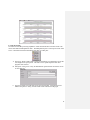
7. If good image: change Scan Points and Scan Lines to 512. Click Do Scan.
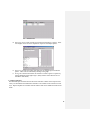
8. After image is complete, click Save Image
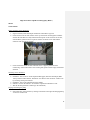
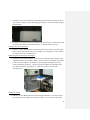
9. Raise the housing and take off, remove sample
4