1
Chapter 2: Microscan MS-3 Laser Scanner
Microscan MS-3 Laser Scanner Device Driver User Guide
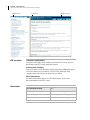
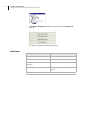
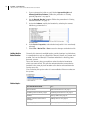
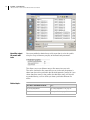
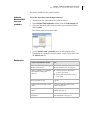
3. Click Scan. The decoded barcode appears in the Result box and
results are saved in the protocol log.
4. Click Calibrate to optimize the Microscan MS-3 Laser scanner
settings.
Note: During the calibration process, the scanner attempts
various settings to determine the optimum decode rate for the
given conditions.
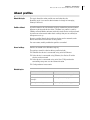
Related topics
For more information about...
See...
Opening Microscan Bar Code
Reader Diagnostics
“Setting the properties for a device” on
page 16
The workflow for configuring the
Microscan MS-3 Laser
“Workflow for configuring the
Microscan MS-3 Laser” on page 28
Creating a Microscan MS-3 Laser
profile
“Creating a Microscan MS-3 Laser
profile” on page 29
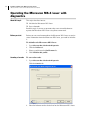
Operating the Microscan MS-3
Laser
“Operating the Microscan MS-3 Laser
with diagnostics” on page 32
Initializing a device
“About device initialization” on page 25
Managing Microscan MS-3 Laser profiles
About this topic
This topic describes how administrators and technicians can manage
Microscan MS-3 Laser profiles.
Managing profiles
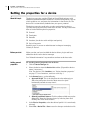
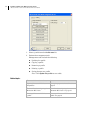
To manage Microscan MS-3 Laser profiles:
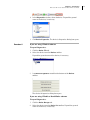
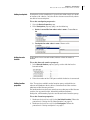
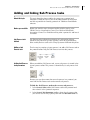
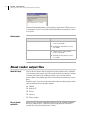
1. Open the Microscan Bar Code Reader Diagnostics.
2. Click the Profiles tab.
33