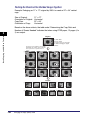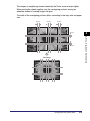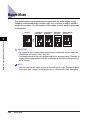
1
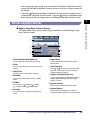
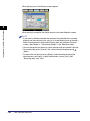
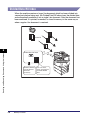
k Others
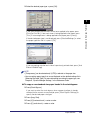
You can set copy modes other than Scan Originals, Book/Page Edit/Shift,
Process/Layout, Image Adjustment. (See "Making Copies with Job Done
Notice (Others)," on p. 7-85.)
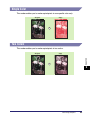
l Image Adjustment
You can make copies of original images with a sharper or softer contrast. (See
"Making Sharp Contrast Copies (Sharpness)," on p. 7-81.)
m Process/Layout
You can process original images and change the layout of the originals. (See
"Process/Layout Settings," on p. 7-62.)
n Book/Page/Edit/Shift
You can make booklets, add page numbers, and set finishing modes for
scanned images. (See "Book/Page Edit/Shift Settings," on p. 7-46.)
o Scan Originals
You can make various settings for the scanning of bound originals and
different-sized originals. (See "Scan Originals Settings," on p. 7-41.)
p Recall
This function enables you to recall the three most recently performed copy
settings, and make copies using those settings. (See "Recalling a Previous
Copy Setting (Recall)," on p. 7-36.)
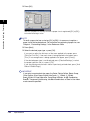
Using the Express Copy Basic Features Screen
7
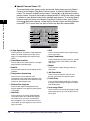
q Mode Memory
You can store any possible combination of Copy functions. A memory key can
be named and can hold up to nine settings. (See "Registering Frequently Used
Copy Settings in Memory (Mode Memory)," on p. 7-37. "Registering a Memory
Key Name," on p. 7-38, "Recalling a Copy Mode," on p. 7-39, "Erasing a Copy
Mode," on p. 7-39.)
7-6
Various Features of the Express Copy Basic Features Screen