1
iR6570_CMB_Upgrade_ENG_Post_Final.book Page 113 Tuesday, May 24, 2005 12:12 PM
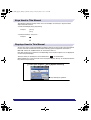
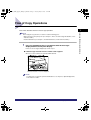
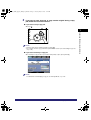
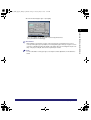
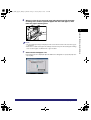
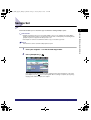
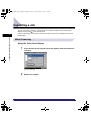
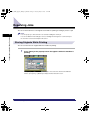
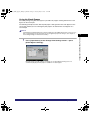
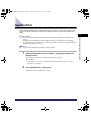
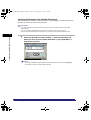
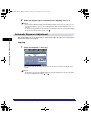
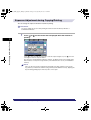
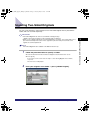
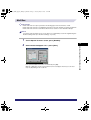
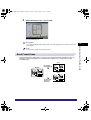
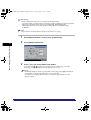
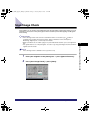
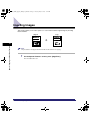
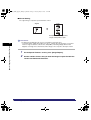
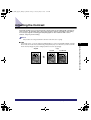
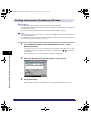
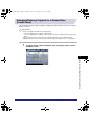
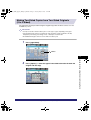
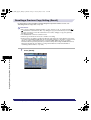
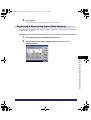
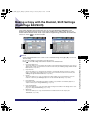
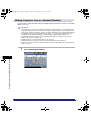
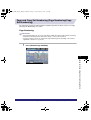
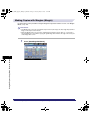
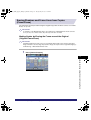
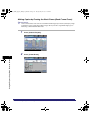
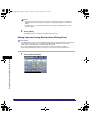
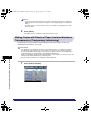
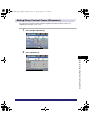
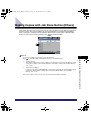
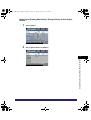
Making Sharp Contrast Copies (Sharpness)
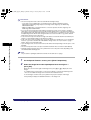
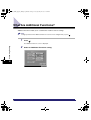
For instructions on this procedure using the Regular Copy Basic Features screen, see
"Adjusting the Contrast," on p. 4-79.
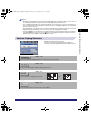
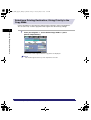
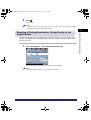
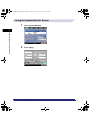
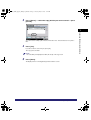
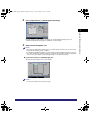
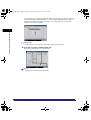
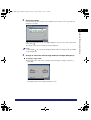
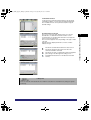
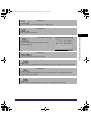
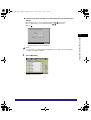
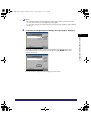
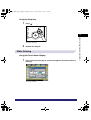
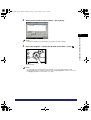
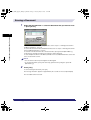
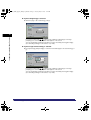
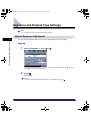
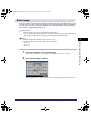
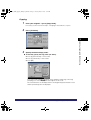
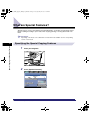
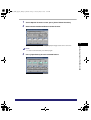
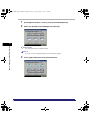
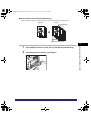
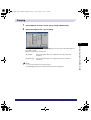
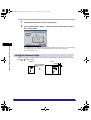
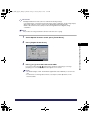
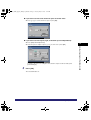
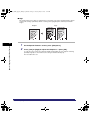
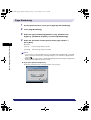
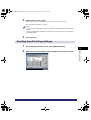
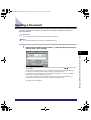
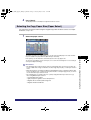
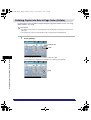
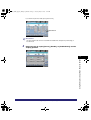
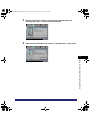
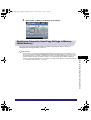
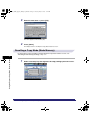
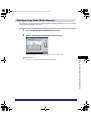
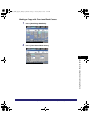
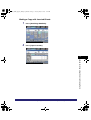
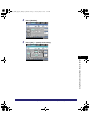
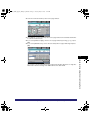
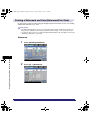
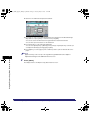
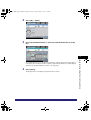
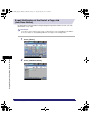
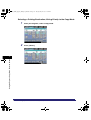
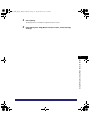
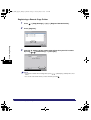
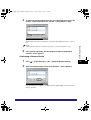
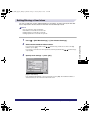
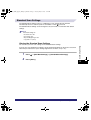
1
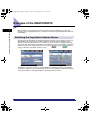
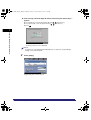
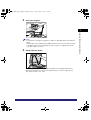
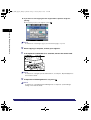
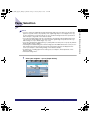
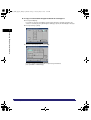
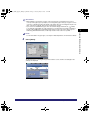
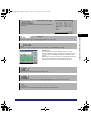
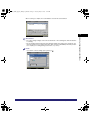
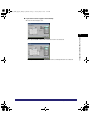
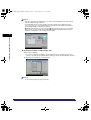
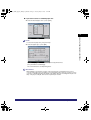
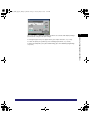
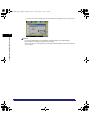
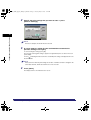
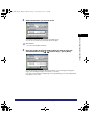
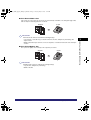
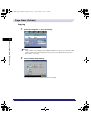
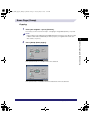
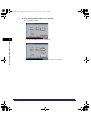
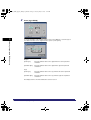
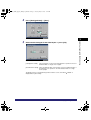
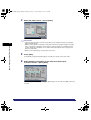
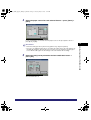
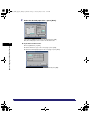
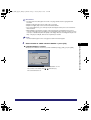
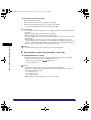
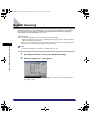
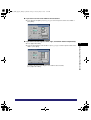
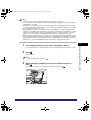
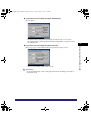
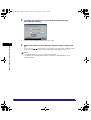
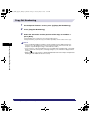
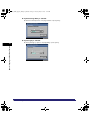
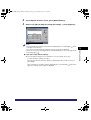
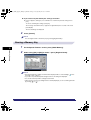
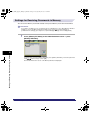
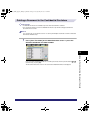
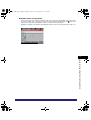
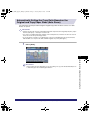
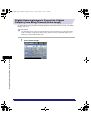
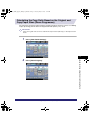
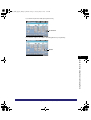
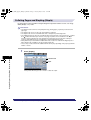
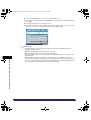
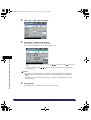
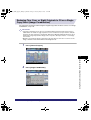
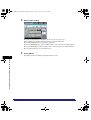
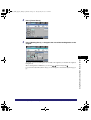
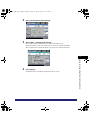
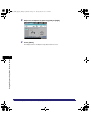
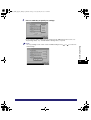
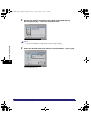
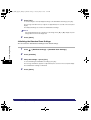
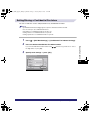
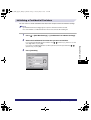
Press [Image Adjustment].
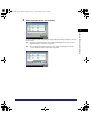
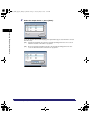
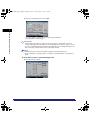
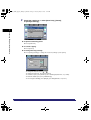
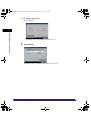
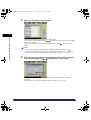
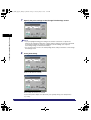
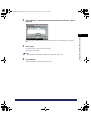
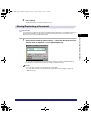
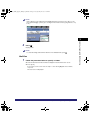
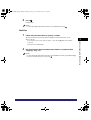
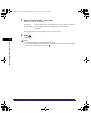
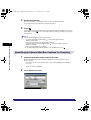
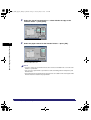
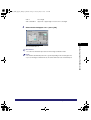
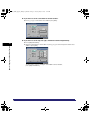
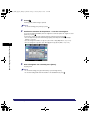
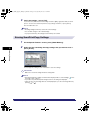
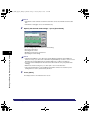
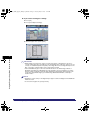
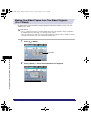
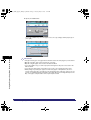
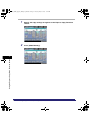
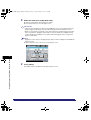
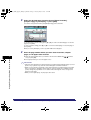
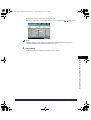
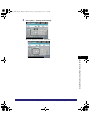
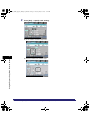
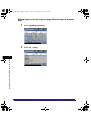
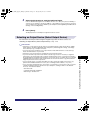
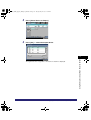
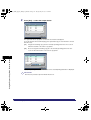
2
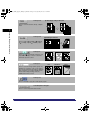
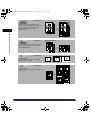
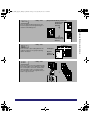
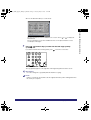
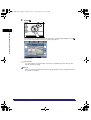
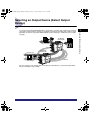
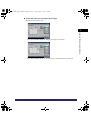
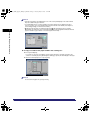
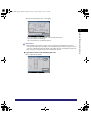
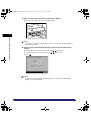
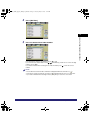
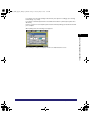
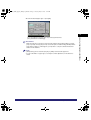
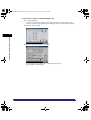
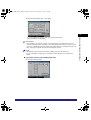
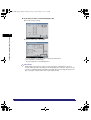
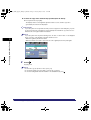
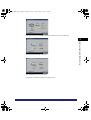
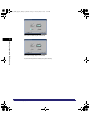
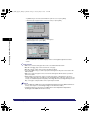
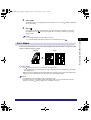
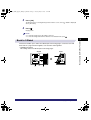
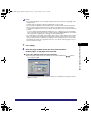
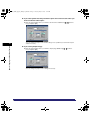
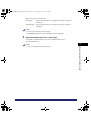
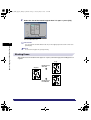
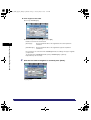
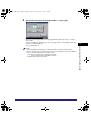
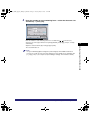
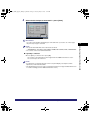
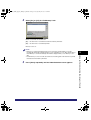
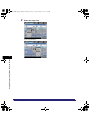
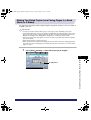
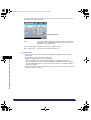
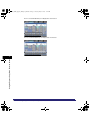
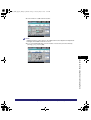
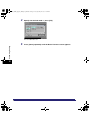
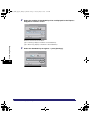
Press [Sharpness].
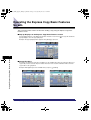
Using the Express Copy Basic Features Screen
7
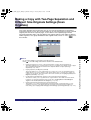
Making copies with Sharpness Settings (Image Adjustment)
7-113