1
Installer menu
INSTALLER MENU
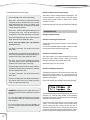
The installer menu allows the Hera to be set up and adjusted
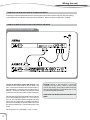
for optimum performance. To access the installer menu simply
press and then release the ‘enter’ and ‘next’ buttons on the front
panel at the same time. The Hera then asks you to enter your
secret code (PIN number). The default code is 1234.
You can change the number under the cursor using the rotary
encoder. To go to the next number, press ‘enter’. To go back
to the preceding number, press ‘undo’. When the four numbers
have been entered press ‘enter’ again to go into the menu.
NOTE: We strongly recommend that you change the PIN
number immediately to a code number of your choice
(option 11 in the menu). Do not write this code down and
do not leave it where the end user can find it !
MENU STRUCTURE
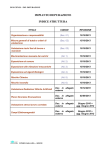
The following diagram shows the complete menu structure.
To move down the page, use the rotary encoder.
To move across the page, press ‘enter’ to go to the right and
‘undo’ to go to the left.
The following chapters describe each of the menu options in
detail.
19