Download Evolver Keyboard - Dave Smith Instruments
Transcript
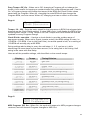
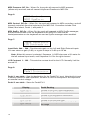
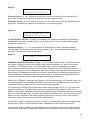
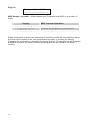
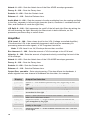
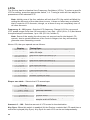
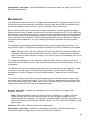
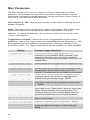
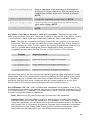
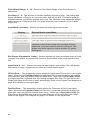
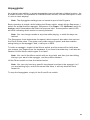
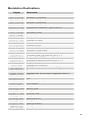
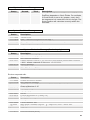
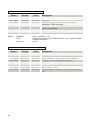
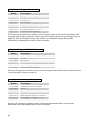
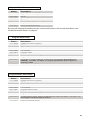
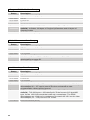
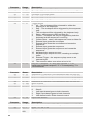
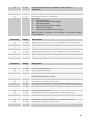
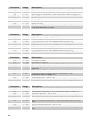
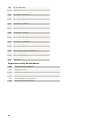
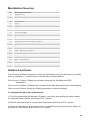
MIDI Pressure: Off, On – When On, the synth will respond to MIDI pressure (aftertouch) received, and will transmit Keyboard Pressure to MIDI Out. Page 6: MIDI Control:xxx MIDI SysEx:xx MIDI Control: Off, On – When On, the synth will respond to MIDI controllers, and will transmit controllers from the keyboard to the MIDI Out. Controllers include Pitch Wheel, Mod wheel, Pedal 1, and pedal 2. MIDI SysEx: Off, On – When On, the synth will respond to MIDI SysEx messages, and will transmit them from the keyboard to the MIDI Out. Note that all knobs/parameters on the keyboard are sent as SysEx messages when enabled. Page 7: Input Gain:xxxxx LCD Contrast: xx Input Gain: 0db… 24d – Provides extra gain on the Left and Right External Inputs. You can select no gain (0 dB), or a gain in steps of 3 dB up to 24 db. Note: When this screen is selected, Sequence 1-8 LEDs become a VU meter for the left external input audio, and Sequence 9-16 for the right channel. LCD Contrast: 1…100 – This sets the contrast level for the LCD. Normally it will be around 25. Page 8: Pedal 1:xxxxxxxx Pedal 2:xxxxxxxx Pedal 1: see table – Sets the destination for the Pedal/CV1 input. Note that this input is heavily filtered for clean operation, so there is a limit to the speed it will respond to an external control voltage. Pedal 2: see table – Same for Pedal/CV 2. Display FootCtrl Breath Expressn Volume 12 Pedal Routing Routed to the Foot Control Modulation Routed to the Breath Control Modulation Routed to the Expression Modulation Controls Master Volume LpFilter Routed to the low pass filter LpF Half Routed to the low pass filter, but with half the range