1
SETTINGS
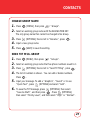
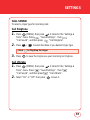
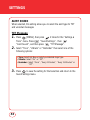
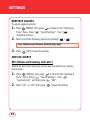
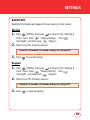
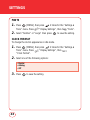
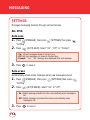
SCREENSAVER
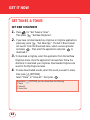
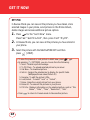
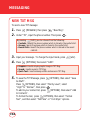
1.
Press
[MENU], then press
2 times for the "Settings &
Tools" menu. Press
"Display Settings", then
"Screensaver".
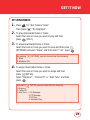
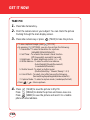
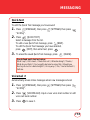
2.
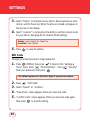
Select “On” or “Off”.
If "On" is selected, choose one of the pre-installed images.
Press
[VIEW] to view the image full screen.
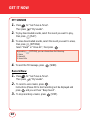
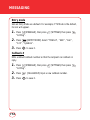
3.
Press
to save the image as your screensaver.
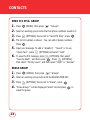
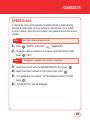
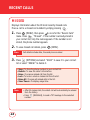
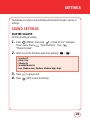
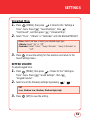
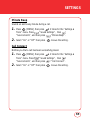
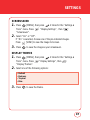
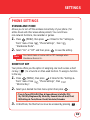
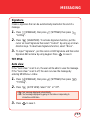
DISPLAY THEMES
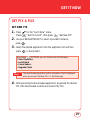
1.
Press
[MENU], then press
2 times for the "Settings &
Tools" menu. Press
"Display Settings", then
"Display Themes".
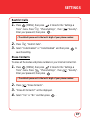
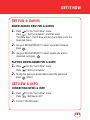
2.
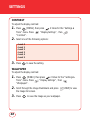
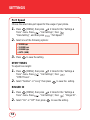
Select one of the following options:
• Default
• Business
• Tropical
• Blue
3.
Press
to save the theme.
61