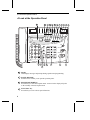
1
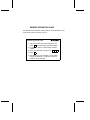
QUICK REFERENCE GUIDE
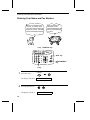
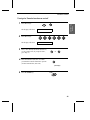
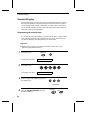
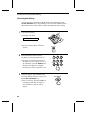
ENTERING YOUR
NAME AND NUMBER
INSTALLATION
FUNCTION
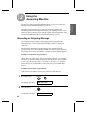
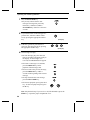
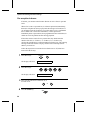
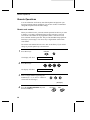
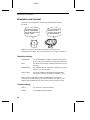
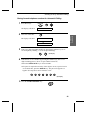
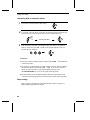
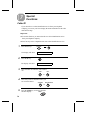
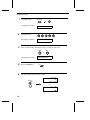
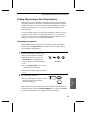
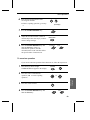
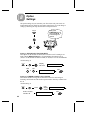
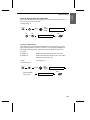
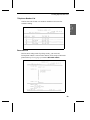
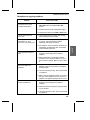
1. Press:
Display shows:
Australia
TEL
SET. TEL
LIN .
E
3
OWN NUMBER SET
START/MEMORY
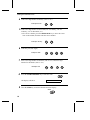
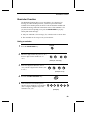
2. Press:
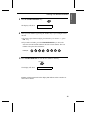
3. Enter your fax number (max. of 20 digits) by
pressing the number keys.
♦ If you make a mistake, press the HOLD/SEARCH
key to move the cursor back to the mistake, then
enter the correct number or letter.
New Zealand
START/MEMORY
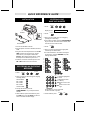
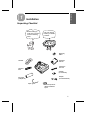
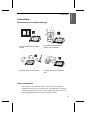
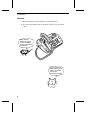
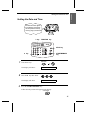
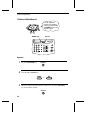
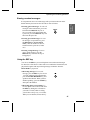
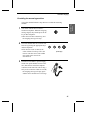
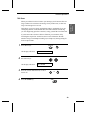
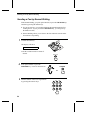
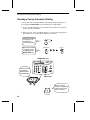
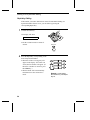
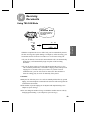
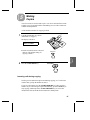
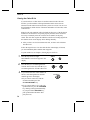
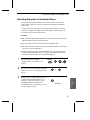
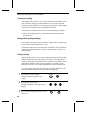
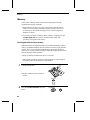
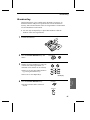
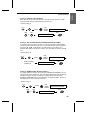
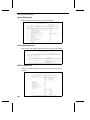
1. Connect the handset as shown.
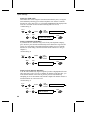
4. Press:
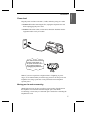
2. Plug the power cord into an earthed, 230-240 V
outlet.
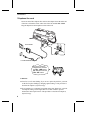
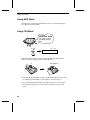
3. Plug one end of the telephone line into the TEL.
LINE socket on the rear of the fax, and the
other end into your telephone wall socket.
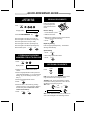
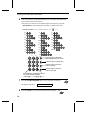
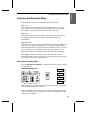
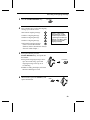
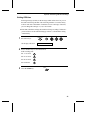
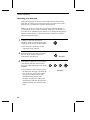
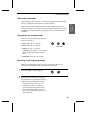
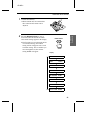
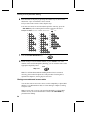
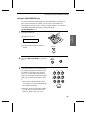
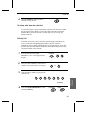
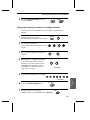
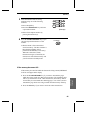
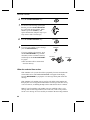
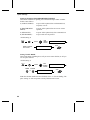
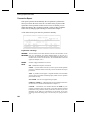
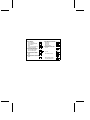
5. Enter your name by pressing the appropriate
number keys as shown below.
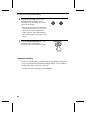
♦ To enter two letters in succession that require
the same key, press the SPEAKER key after
entering the first letter.
Caution: When disconnecting the fax, unplug
the telephone line before the power cord.
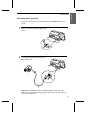
4. If desired, connect an extension phone to the
TEL. SET socket on the rear of the fax.
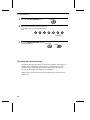
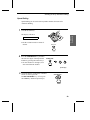
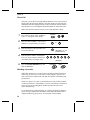
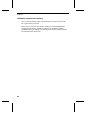
RECORDING AN OUTGOING
MESSAGE
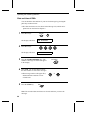
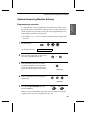
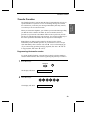
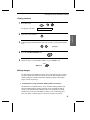
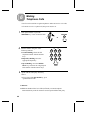
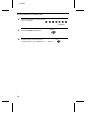
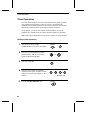
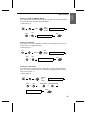
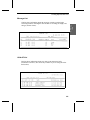
1. Press:
FUNCTION
A=
J=
T=
B=
K=
U=
C=
L=
V=
D=
M=
W=
E=
N=
X=
F=
O=
Y=
G=
P=
Z=
H=
Q=
SPACE =
I=
R=
START/MEMORY
0
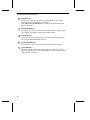
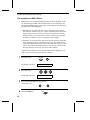
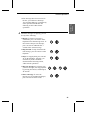
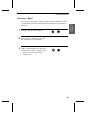
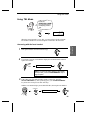
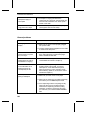
2. Press a number to select the type of outgoing
message (OGM):
0
General OGM:
1
Box 1 OGM:
2
Box 2 OGM:
3
Box 3 OGM:
4
Transfer OGM:
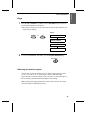
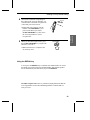
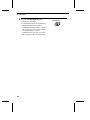
3. Pick up the handset, press the
START/MEMORY key, and speak into the
handset.
4. When finished, replace the handset or press
the STOP key. Press the STOP key twice to
return to the date and time display.
S=
ABC
DEF
GHI
JKL
MNO
PQRS
TUV
WXYZ
SPEED DIAL
REDIAL
HOLD/
SEARCH
SPEAKER
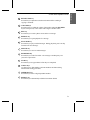
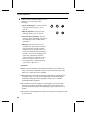
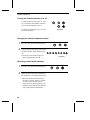
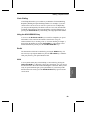
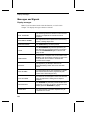
Deletes highlighted
letter
Upper/lower case
shift key
Moves cursor to the
left.
Moves cursor to the
right.
Press either key one or more times
to select and enter a symbol.
START/MEMORY
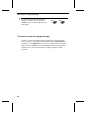
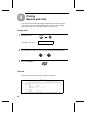
6. When finished, press:
STOP