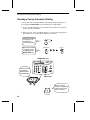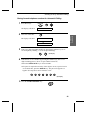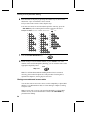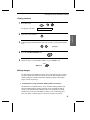
1
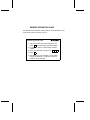
Remote Operations
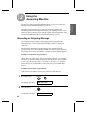
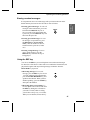
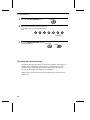
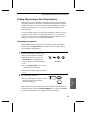
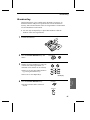
Retrieving your messages
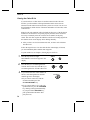
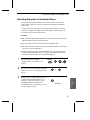
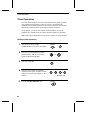
Follow the steps below to listen to your messages from a remote location.
Note that you can only access one box per call; if you want to access more
than one box, you must make a separate call for each box.
Note: You can also access the FO-475 for remote operation when the
reception mode is set to FAX or TEL/FAX. In this case, call the FO-475,
press the "#" key immediately after it answers, or during pseudo ringing in
TEL/FAX mode (before you hear the fax tone in either case), and then
continue from Step 2 below.
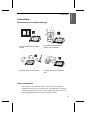
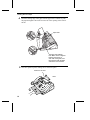
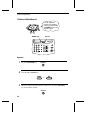
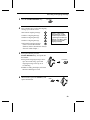
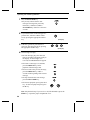
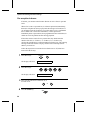
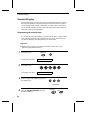
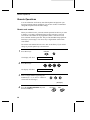
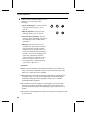
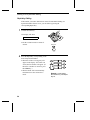
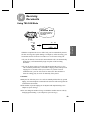
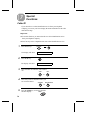
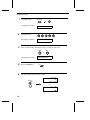
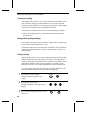
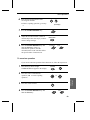
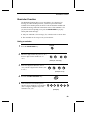
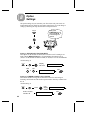
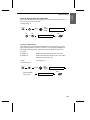
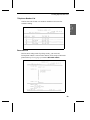
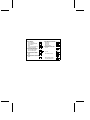
1
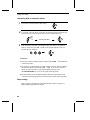
Call the FO-475 from a touch-tone
telephone. When your outgoing message
begins, press the "#" key on the telephone.
• You will hear a short beep, and the
outgoing message will stop.
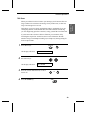
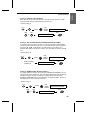
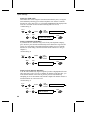
2
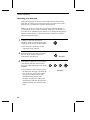
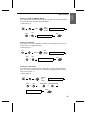
3
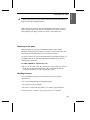
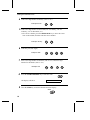
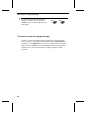
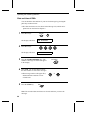
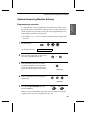
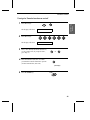
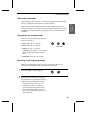
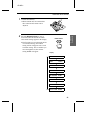
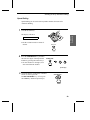
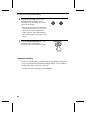
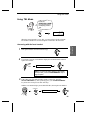
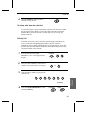
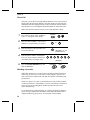
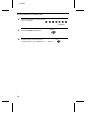
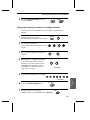
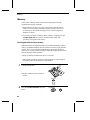
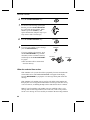
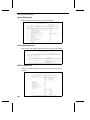
Enter the number of the box you want to
listen to. If you want to listen to the
General Box, skip this step.
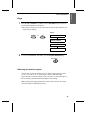
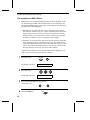
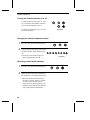
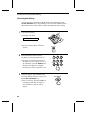
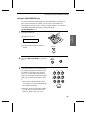
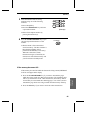
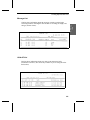
Enter the box’s passcode, or your remote
code number if the box does not have a
passcode. When finished, press "#" on the
telephone.
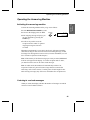
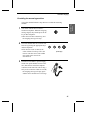
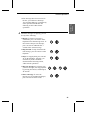
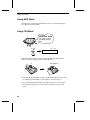
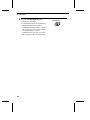
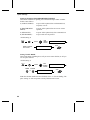
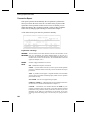
• You will hear a series of beeps equal to
the number of messages recorded in the
box, or one long beep if four or more
messages have been received. The
machine will then play back the
messages, beeping once at the end of
each message. When all messages have
been played back, you will hear a long
beep.
40
2
(Example)
5
2
2
(Example)