1
<P=001>
Resolution and Contrast
Resolution and Contrast
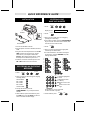
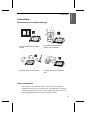
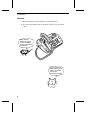
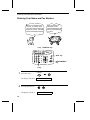
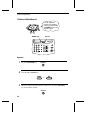
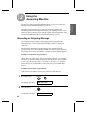
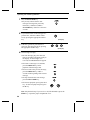
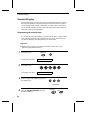
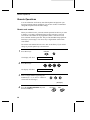
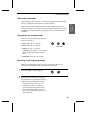
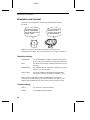
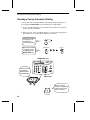
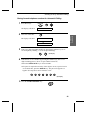
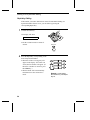
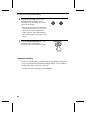
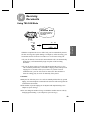
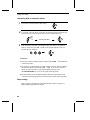
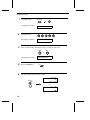
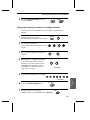
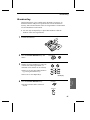
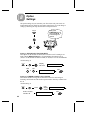
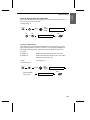
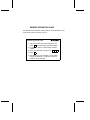
If desired, you can adjust the resolution and contrast before sending a
document.
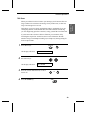
The default resolution
setting is STANDARD
and the default contrast
setting is AUTO.
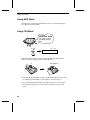
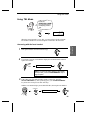
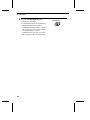
You must adjust the
settings each time
you don’t want to use
the default settings.
Note: The resolution and contrast settings are only effective for
transmitting a document. They are not effective for receiving a document.
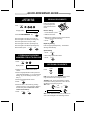
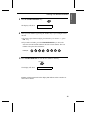
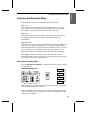
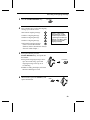
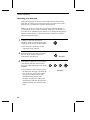
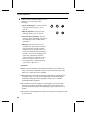
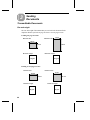
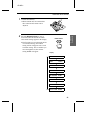
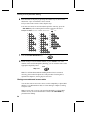
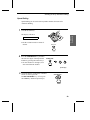
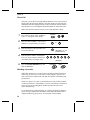
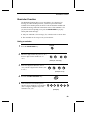
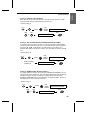
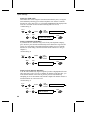
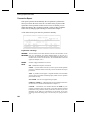
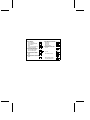
Resolution settings
STANDARD:
Use STANDARD for ordinary documents. This setting
gives you the fastest and most economical transmission.
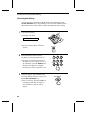
FINE:
Use FINE for documents containing small letters or fine
drawings.
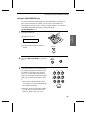
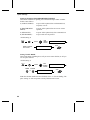
SUPER FINE:
Use SUPER FINE for documents containing very small
letters or very fine drawings.
HALF TONE:
Use HALF TONE for photographs and illustrations.
The original will be reproduced in 64 shades of grey.
Note: In order to transmit in FINE or SUPER FINE resolution, the
receiving fax machine must also have that resolution. If it doesn’t, your
machine will automatically step down to the next best available setting.
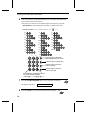
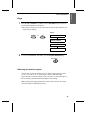
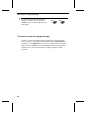
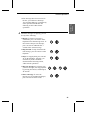
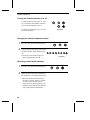
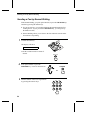
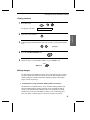
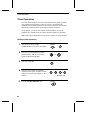
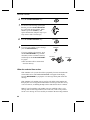
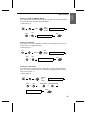
Contrast settings
50
AUTO
Use AUTO for normal documents.
DARK
Use DARK for faint documents.