1
Port Configuration Utility
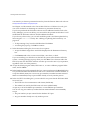
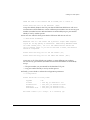
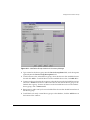
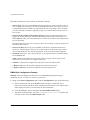
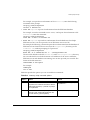
Timeout(ms): 500
OUTPUT:
OID: .1.3.6.1.4.1.1916.1.1.1.9.1.1.1
OID: .1.3.6.1.4.1.1916.1.1.1.9.1.1.2
OID: .1.3.6.1.4.1.1916.1.1.1.9.1.1.3
OID: .1.3.6.1.4.1.1916.1.1.1.9.1.2.1
OID: .1.3.6.1.4.1.1916.1.1.1.9.1.2.2
OID: .1.3.6.1.4.1.1916.1.1.1.9.1.2.3
;
;
;
;
;
;
VALUE:
VALUE:
VALUE:
VALUE:
VALUE:
VALUE:
1
2
3
2
2
2
Port Configuration Utility
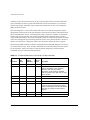
The Port Configuration utility is a stand-alone utility that runs on the Windows NT 4.0 or
Windows 2000 platform.
The EPICenter Port Configuration utility provides a way for an EPICenter administrator to
change some of EPICenter’s logical TCP/IP port numbers, in the event that there are
conflicts between these port numbers and those used by other software products running
on the same system. Because these port conflicts may prevent EPICenter from running, the
port configuration capability needs to be accessible outside of EPICenter. The Port
Configuration application runs on the same system as the EPICenter Database Server and
Web Server.
You can run the utility from the Programs menu. You do not need to shut down the
ExtremeWare EPICenter services (Web Server or database) in order to change the port
configurations. However, the new configurations will not take effect until you restart the
affected server(s).
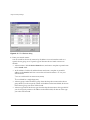
To run the Port Configuration utility, do the following:
1 Run the program from the Windows Start menu:
Select Programs, then EPICenter 3.1, then Port Configuration.
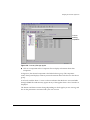
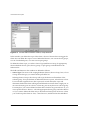
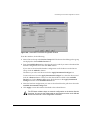
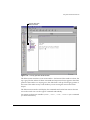
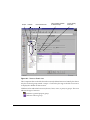
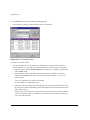
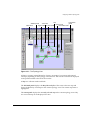
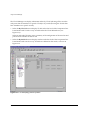
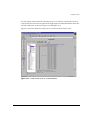
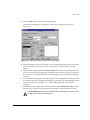
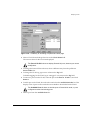
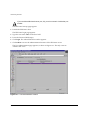
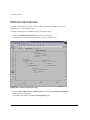
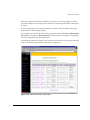
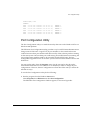
The EPICenter Port Configuration window appears, as shown in Figure B-1.
ExtremeWare EPICenter Software Installation and User Guide
B-9