1
Error Messages and Trouble Shooting
Section 5
Error Messages and Trouble
Shooting
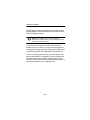
The Wireless LAN Adapter provides LED messages and
error codes. This section provides the general procedures
for correcting common problems encountered when
installing the PC Card system.
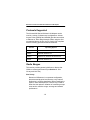
Indicator LEDs
The PC Card has two indicator LEDs (green and amber)
located on the face of the card.
The green indicator is the Link Integrity/Power LED. It lights
when the card is receiving power and flashes slowly when
the PC Card is linked with the network.
The amber indicator is the Link Activity LED. It flashes when
the PC Card is receiving or transmitting data or in a pattern
to indicate an error condition.
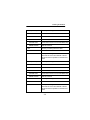
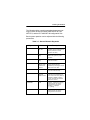
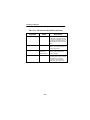
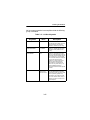
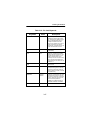
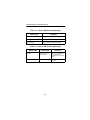
See Tables 5.1 and 5.2 for an explanation of the LED
Messages.
5-1