1
7211 DigitalManual Update
10/4/02
5:12 pm
Record Schedule
Page 18
(Continued)
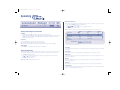
Events active
Recorded file size
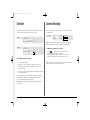
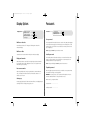
Select whether the alarms and activity are on or off for day, night, and weekend
schedules.
The file or image size affects the quality of the images recorded to disk. A larger
file size has superior picture quality, but will fill the hard disk faster, so less time will
be recorded before the images will be overwritten.
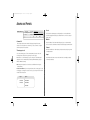
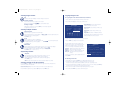
Event mode
This option allows the record sequence to be adjusted when an alarm is received,
the options are:
Unchanged – the record sequence remains the same whether an alarm is present
or not.
Exclusive – Only alarm cameras are recorded.
Interleaved – Alarm cameras are recorded more frequently than non-alarm cameras,
i.e. if camera 1 is in alarm the interleave recording would be 1213141516…
Tip: By using event interleave, it is possible to keep the record rate constant but
effectively increase the speed of alarm or activity recording.
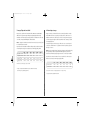
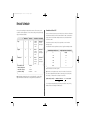
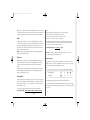
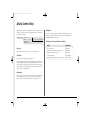
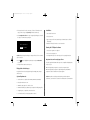
The file size can be set between 6 and 45KB. The table below shows the image
quality at typical file sizes:
Image quality
File size (KB)
VHS
S-VHS
S-VHS+
14KB
18KB
25KB
Note: The equivalent image quality is representative in most circumstances,
however, camera views with large amounts of image detail may require the file
size to be increased to obtain a similar image quality.
Increasing the file size over 40KB will decrease the maximum record rate to 18PPS,
even if a record rate of greater than 18PPS is selected.
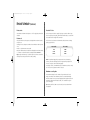
Maximum recording time
The maximum recording time is the number of days and minutes before the
images are overwritten. The maximum record time is calculated automatically
when the standard or event record rate is highlighted and changed. Note that the
maximum recording time will include the audio, if it is enabled in the System
Options menu page.
Tip: Reducing the file size (KB) or record rate (PPS) can increase the maximum
recording time.
18