1
CHAPTER 4: PERIPHERAL CIRCUITS AND OPERATION (I/O Ports)
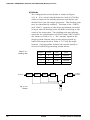
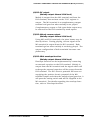
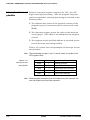
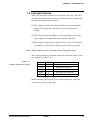
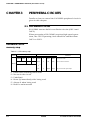
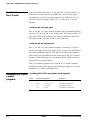
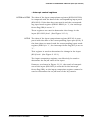
Mask option
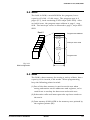
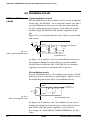
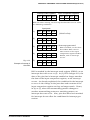
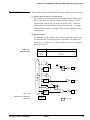
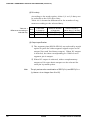
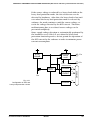
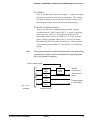
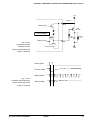
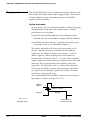
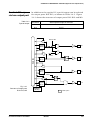
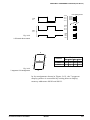
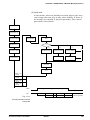
The output specification during output mode (IOC = 1) of the
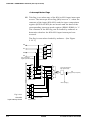
I/O port can be set with the mask option for either complementary output or Pch open drain output. This setting can
be performed for each bit of the I/O port. However, when
Pch open drain output has been selected, voltage in excess
of the supply voltage must not be applied to the port.
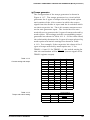
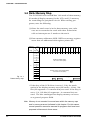
Control of I/O port
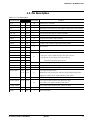
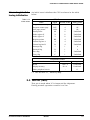
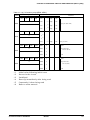
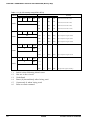
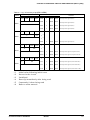
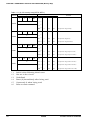
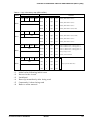
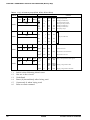
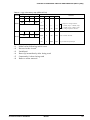
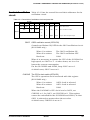
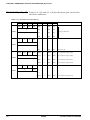
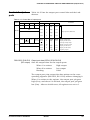
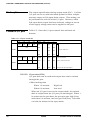
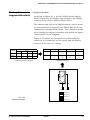
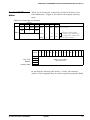
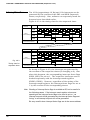
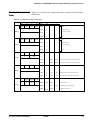
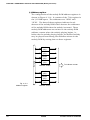
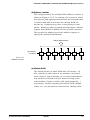
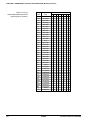
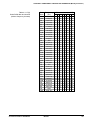
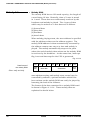
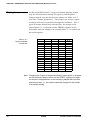
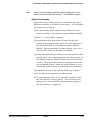
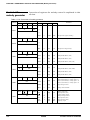
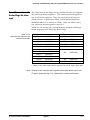
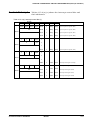
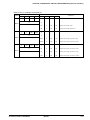
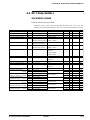
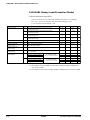
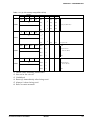
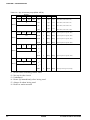
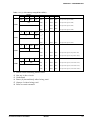
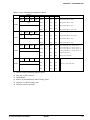
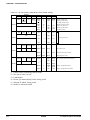
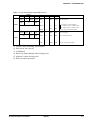
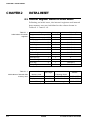
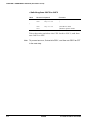
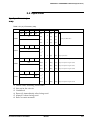
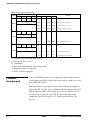
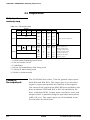
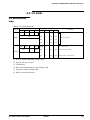
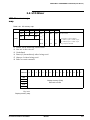
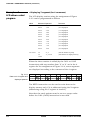
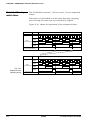
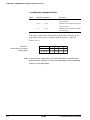
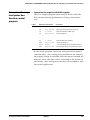
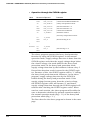
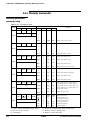
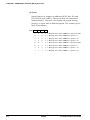
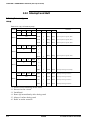
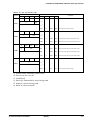
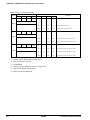
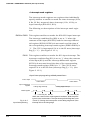
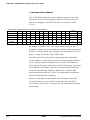
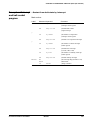
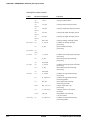
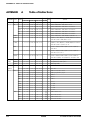
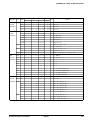
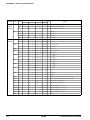
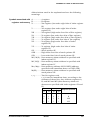
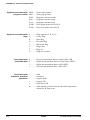
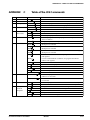
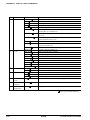
Table 4.5.1 lists the I/O port control bits and their addresses.
Table 4.5.1 I/O port control bits
Address
D3
Register
D2
D1
D0
Name
SR
1
0
P03
P02
P00
P03
–
High
Low
P02
–
High
Low
P01
–
High
Low
P00
–
High
Low
P01
R/W
0F6H
Comment
I/O port (P00–P03)
CLKCHG
R/W
OSCC
0
IOC
CLKCHG
0
OSC3
OSC1
CPU clock switch
R
R/W
OSCC
0
ON
OFF
OSC3 oscillator ON/OFF
0
Output
Input
I/O port P00–P03 Input/Output
0FCH
0
IOC
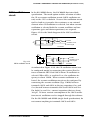
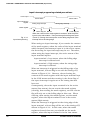
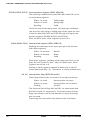
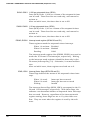
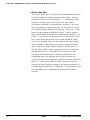
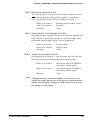
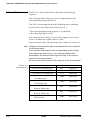
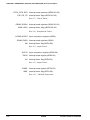
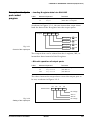
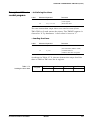
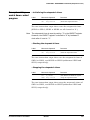
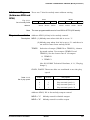
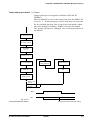
P00–P03 I/O port data (0F6H)
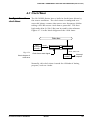
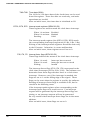
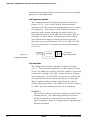
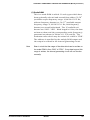
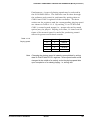
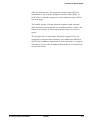
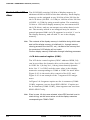
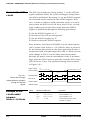
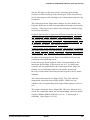
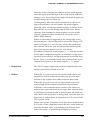
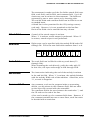
I/O port data can be read and output data can be written
through the port.
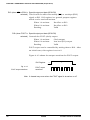
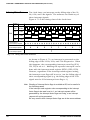
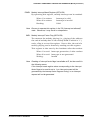
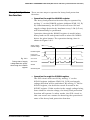
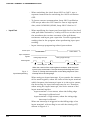
• When writing data
When 1 is written:
When 0 is written:
High level
Low level
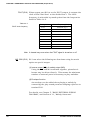
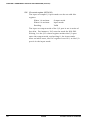
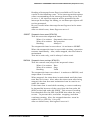
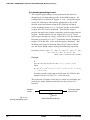
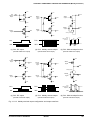
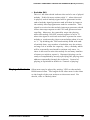
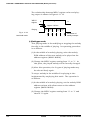
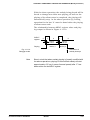
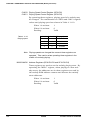
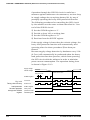
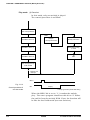
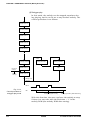
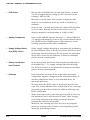
When an I/O port is set to the output mode, the written
data is output from the I/O port pin unchanged. When 1
is written as the port data, the port pin goes high (VDD),
and when 0 is written, the level goes low (VSS). Port data
can also be written in the input mode.
I-42
EPSON
S1C62N82 TECHNICAL HARDWARE