1
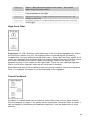
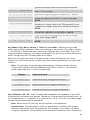
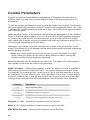
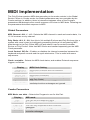
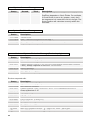
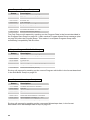
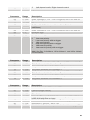
LpF Half
Routed to the low pass filter, but with half
the range
Page 9:
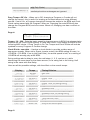
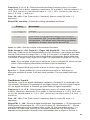
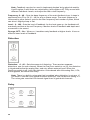
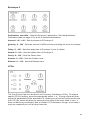
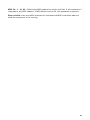
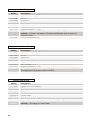
Velocity Curve:x
Pressure Curve:x
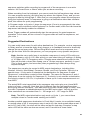
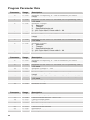
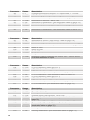
Velocity Curve: 1…4 – Sets one of the four velocity curves for the keyboard; this
gives you the ability to adjust the keyboard to your playing style.
Pressure Curve: 1…4 – Sets one of the four pressure curves for the keyboard; this
gives you the ability to adjust the keyboard to your playing style.
Page 10:
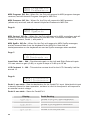
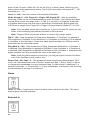
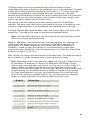
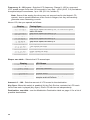
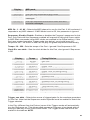
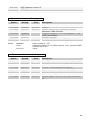
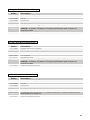
LocalControl:xxx
DamperPolarity:x
Local Control: Off, On – Enables or disables the internal connection between the
keyboard and panel controls and the synth electronics. This is useful with external
sequencer operation.
DamperPolarity: -, + – For compatibility with different sustain (Damper) pedals
connected to the Sustain jack on the rear panel. Use + for normally Open switches,
and use – for normally closed switches.
Page 11:
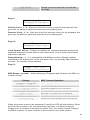
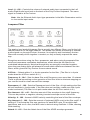
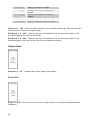
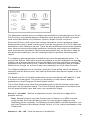
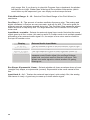
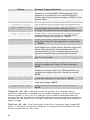
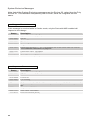
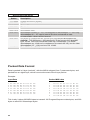
Dump: (Hit S/S)
xxxxxxxxxxxxxxxx
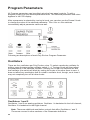
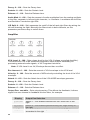
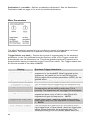
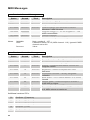
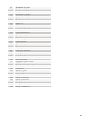
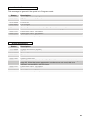
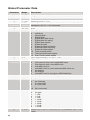
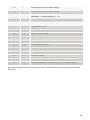
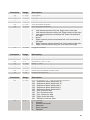
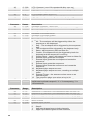
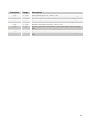
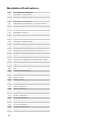
MIDI Dumps: see table – Allows dumping of Programs and Combos over MIDI in a
number of ways.
Display
Single Program
Program Bank
All Program Banks
Single Combo
Combo Bank
All Combo Banks
Everything
MIDI Transmit Operation
Send current program
Send all 128 programs in current bank
Send all programs in all four banks
Send current combo
Send all 128 combos in current bank
Send all combos in all three banks
Sends the whole banana (all of the above)
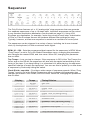
When this screen is active, the sequencer START/STOP LED will start blinking. When
the START/STOP switch is hit, the transmission will start. It is handy for saving
Programs on a computer or sending to another Poly. The dumps include Program
and Bank numbers, so when received it will be stored in the same location.
21