1
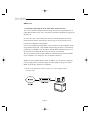
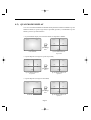
Step-by-Step Setup Example of IP Router
Linksys model WRT54G
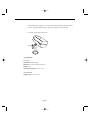
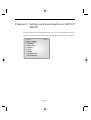
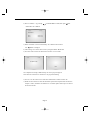
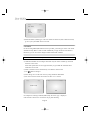
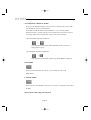
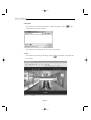
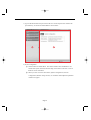
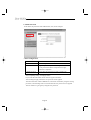
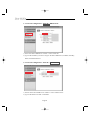
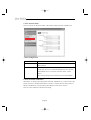
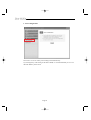
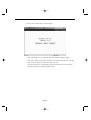
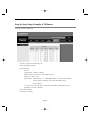
1. Click the “Application and Gaming” tab.
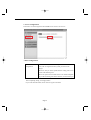
2. Click “Port Range Forward”.
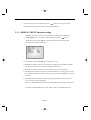
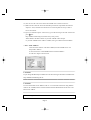
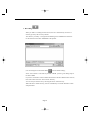
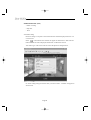
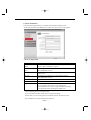
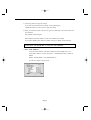
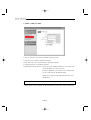
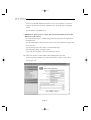
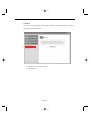
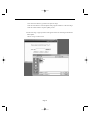
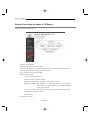
3. Port forwarding
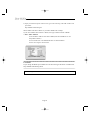
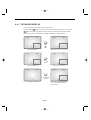
Row #1 :
! Application : Set this to “HTTP”
@ Start and End : Set both to “From 10000 to 65535”
# Protocol : Select “TCP”
$ IP Address : SETUP MENU -> 7. NETWORK SETUP -> Check IP from network
status to apply it identically to Private IP after DHCP setup.
(Eng-32 Setup)
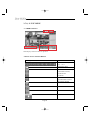
* It is not in use by any other device connected to the IP Router including the Local PC.
% Enable : Leave this “checked”
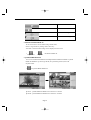
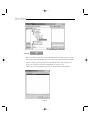
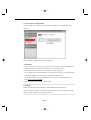
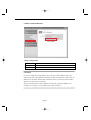
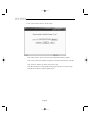
4. Click “Save Settings”
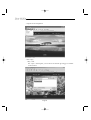
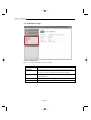
5. Close browser window.
Eng-99