1
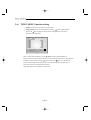
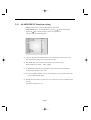
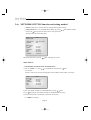
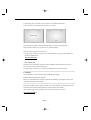
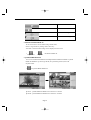
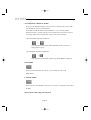
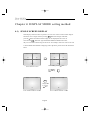
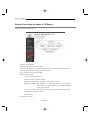
4-4) PIP MODE DISPLAY
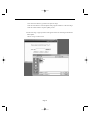
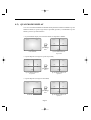
Can be used to see PIP screen in Single screen mode.
If you press the œ, √ KEY on PIP screen ,the main screen will change. If you press the
œ, √ KEY to the left and right, the main screen can be transferred to another channel.
Sub-screen location can be selected on DISPLAY MENU in SETUP MENU.
06/01/03
13:14:00
06/01/03
13:14:00
➯
Press
CH1
CH3
06/01/03
CH3
KEY
Under PIP DISPLAY
CH1
Main and Sub screen is switched
13:14:00
06/01/03
13:14:00
➯
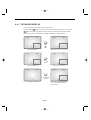
Press
KEY
CH1
CH2
CH3
Under PIP DISPLAY
06/01/03
CH3
Main screen is switched
13:14:00
06/01/03
13:14:00
➯
Press PIP KEY
for 2sec
CH2
CH1
Under single screen display
CH3
Main and Sub screen is displayed
as set at the DISPLAY MENU of
SETUP MENU
Eng-89