1
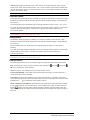
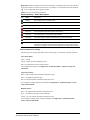
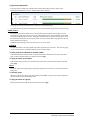
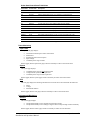
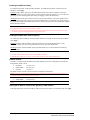
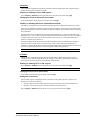
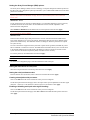
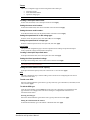
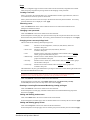
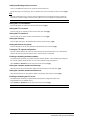
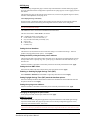
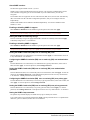
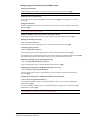
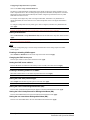
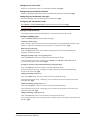
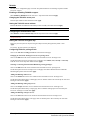
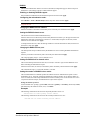
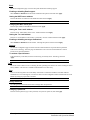
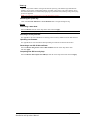
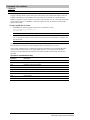
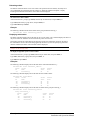
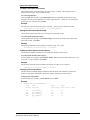
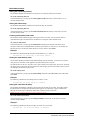
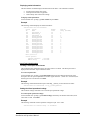
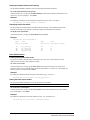
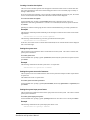
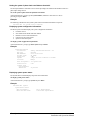
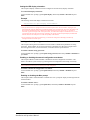
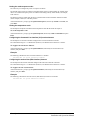
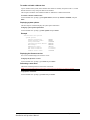
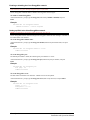
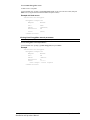
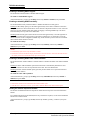
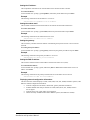
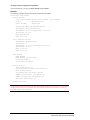
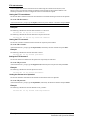
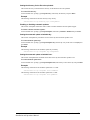
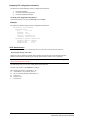
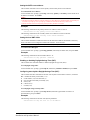
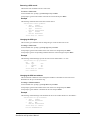
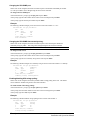
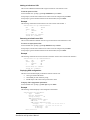
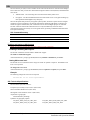
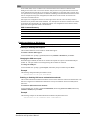
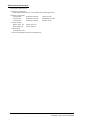
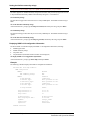
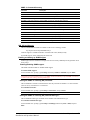
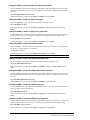
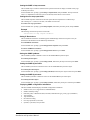
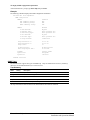
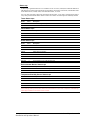
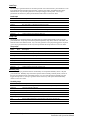
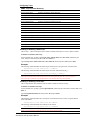
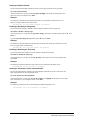
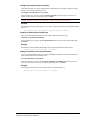
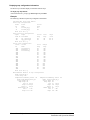
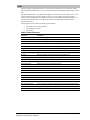
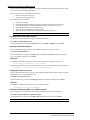
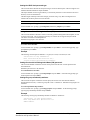
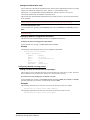
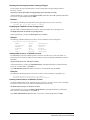
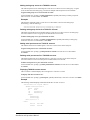
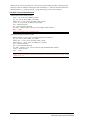
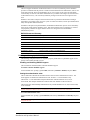
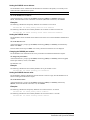
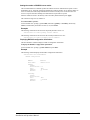
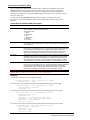
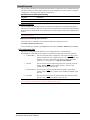
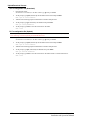
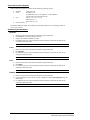
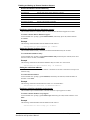
Setting LDAP group access level privileges: The Set LDAPGroup Access command sets the access level privileges for an LDAP group. The PT22 has four defined access privilege levels; Admin, User, On-Only, and View-Only. To set the access level privilege for an LDAP group : At the Switched CDU: prompt, type set ldapgroup access, followed by admin, user, ononly or viewonly, optionally followed by a LDAP group name and press Enter. Examples The following command sets the LDAP group access level for LDAPAdmin to Admin: Switched CDU: set ldapgroup access admin ldapadmin<Enter> The following command sets the LDAP group access level for PowerUser to User: Switched CDU: set ldapgroup access user poweruser<Enter> Granting and removing input status viewing privileges : The Set LDAPGroup Envmon command grants or removes input status viewing privileges to/from an LDAP group. To grant or remove input status viewing privileges for an LDAP group: At the Switched CDU: prompt, type set ldapgroup envmon followed by on or off, optionally followed by a group name and press Enter. Example The following command grants input status viewing privileges to the LDAP group PowerUser: Switched CDU: set ldapgroup envmon on poweruser<Enter> Displaying the LDAP access privilege levels: The List LDAPGroups command displays all defined LDAP group with their access privilege level. To display LDAP group access privilege levels: At the Switched CDU: prompt, type list ldapgroups and press Enter. Example The following command displays all LDAP groups with their access privilege level: Switched CDU: list ldapgroups<Enter> LDAP Group Name Access Level Environmental Monitoring LDAPAdmin PowerUser User Guest Admin User On-Only View-Only Allowed Allowed Not Allowed Not Allowed Adding outlet access to an LDAP group: The Add OutletToLDAP command grants an LDAP group access to one or all outlets. To grant access for more than one outlet, but not all outlets, you must use multiple Add OutletToLDAP commands. To grant outlet access to an LDAP group: At the Switched CDU: prompt, type add outlettoldap, optionally followed by an outlet name and a group name. Press Enter, or Type add outlettoldap all, followed by a group name and press Enter. Examples The following commands grant the LDAP group PowerUser access to outlets A1 and Webserver_1: Switched CDU:add outlettoldap .a1 poweruser<Enter> Switched CDU:add outlettoldap WebServer_1 poweruser<Enter> Advanced Operations 103 Installation and Operations Manual