1
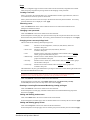
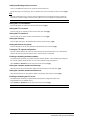
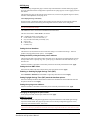
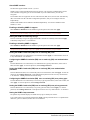
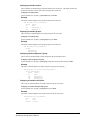
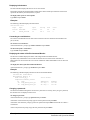
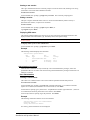
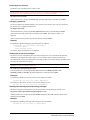
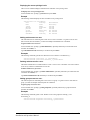
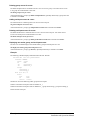
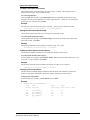
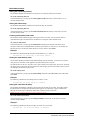
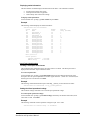
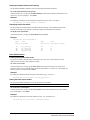
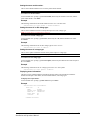
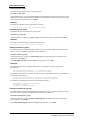
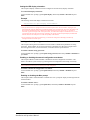
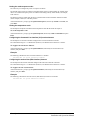
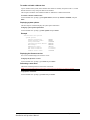
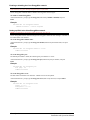
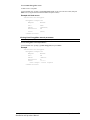
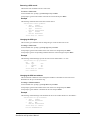
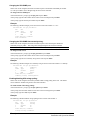
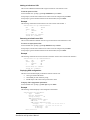
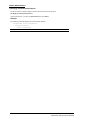
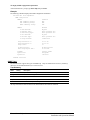
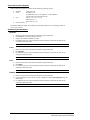
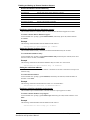
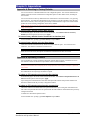
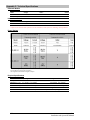
Setting the system 3-phase load out-of-balance threshold: The Set System Balance command is used to set the percentage out-of-balance threshold for loads on 3phase input voltage devices. To set the system 3-phase load out-of-balance threshold: At the Switched CDU: prompt, type set system balance, followed a value from 0 to 100 (in percentage) and press Enter. Example The following command sets the system 3-phase load out-of-balance threshold to 20 percent: Switched CDU: set system balance 20<Enter> Displaying system configuration information: The Show System command displays all system configuration information. Firmware version NIC module serial number and MAC address Hardware revision code and Flash size Uptime since last system restart System location description To display system configuration information: At the Switched CDU: prompt, type show system and press Enter. Example System Information F/W Version: NIC S/N: MAC Address: H/W Rev Code: Flash Size: Uptime: Sentry Switched CDU Version 7.0d 8217984 00-0a-9c-10-00-01 64 (NIM) 2 MB 4 days 22 hours 0 minutes 3 seconds Location: Bldg-1 Area <Footprint>: 4.5 square feet Power Factor: 0.88 3-Phase Load Out-of-Balance Threshold: 20 percent Displaying system power status: The System Status command displays all power status information. To display system power status: At the Switched CDU: prompt, type sysstat and press Enter. Example Switched CDU: sysstat System Power Status Area <Footprint>: Watts Per Area Unit: 100.0 Square Meters 2 Watts Per Square Meter 62 Operations Installation and Operations Manual