1
Chapter 3
■
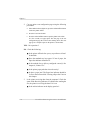
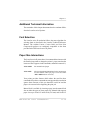
If you are communicating through the serial port and parity
settings for your host and your printer do not match, you
may experience a loss of data and only part of the file will
print. The printer’s parity setting is listed on the test
configuration page. (Instructions for producing a test
configuration page are in the chapter, “Printer Use.")
Adjust your host computer and/or software application
program to match.
■
When you are working in emulations, you should not
concatenate files. Concatenate means to merge several
independent data sets, or jobs, to create one large data set.
Files must be separated with a form feed at the end of the
file.
♦
3-14
Selecting Printer Languages