1
Chapter
Fabric Troubleshooting Tools
25
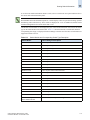
This chapter describes the following troubleshooting tools that are provided with Fabric Manager:
•
•
•
•
“General Device Diagnostics” on page 25-1
“Fabric Merge Check” on page 25-2
“Event Message Severity Level” on page 25-4
“Trace Route” on page 25-5
General Device Diagnostics
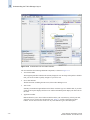
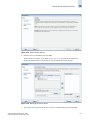
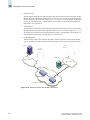
A device diagnostic wizard is available to check communication problems that might arise between
devices in the same fabric, or devices shared through FC Routers. The wizard checks:
•
•
•
•
•
•
•
•
•
device status
switch port health status
zone configuration in the fabric
active DCC policy availability in secure fabric
active DCC policy availability in non-secure fabric
LSAN zone configurations in the edge fabrics
device moved to a new fabric
fabric segmentation
FC router physical connection status
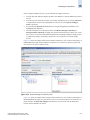
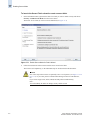
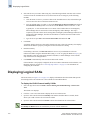
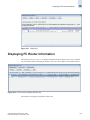
The wizard displays a summary diagnostic report that you can print. The wizard also provides an option
to capture trace route information (pathinfo and fcping) for the selected device ports. See “Trace Route”
on page 25-5 for information about the trace route functionality.
Note
You can diagnose only two device ports at a time.
Note
This tool is not supported for Admin Domain-aware fabrics or for virtual targets and initiators in an
iSCSI Target Gateway.
Fabric Manager Administrator’s Guide
Publication Number: 53-1000196-01-HP
25-1