1
ADVANCED FEATURES OF THE EFI SPLASH RPX-iii
49
Screening Preferences
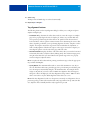
The Screening Preferences feature allows you to select screening methods, create custom
screens, specify lines per inch, and create sets of screening preferences. You can then switch
between common screening configurations without specifying the details each time.
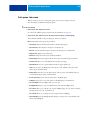
TO SET SCREENING PREFERENCES
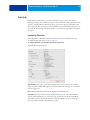
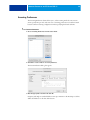
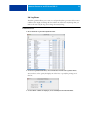
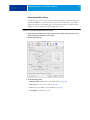
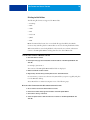
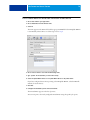
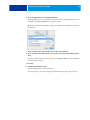
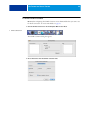
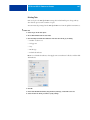
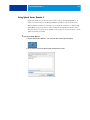
1 Choose Screening Preferences from the Server menu.
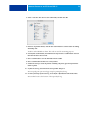
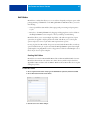
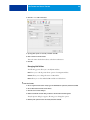
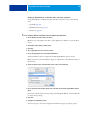
2 Click New to create a new set of screen preferences.
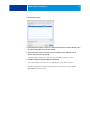
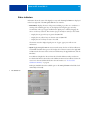
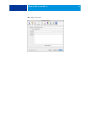
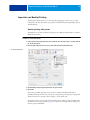
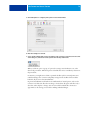
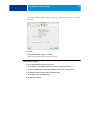
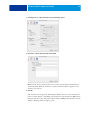
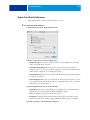
The Screen Preferences dialog box appears.
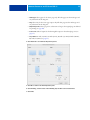
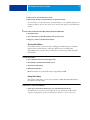
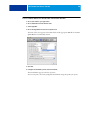
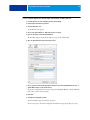
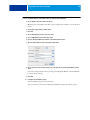
3 Make the appropriate selections and click OK.
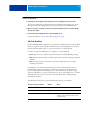
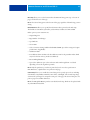
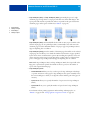
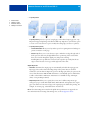
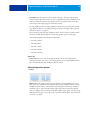
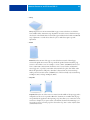
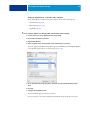
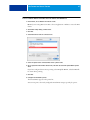
Frequency and Angle are standard halftone terms. Spot Function is the PostScript code that
defines the halftone. To edit this, click Custom.