1
Turning On
Your Player
for the First
Time
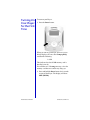
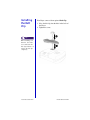
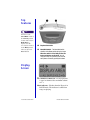
To turn on your Player:
1. Press the Power button.
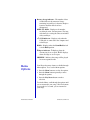
When you turn on your Player, the LCD screen
briefly displays all icons, then Compaq iPAQ,
and then the following:
1:64M
This indicates that the 64 MB memory card is
installed correctly.
You will then see a No songs message, since the
memory card does not contain any songs yet.
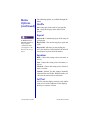
2. Press and hold the Power button for 2 seconds
to turn off the Player. The display will show
OFF (HOLD).
PERSONAL AUDIO PLAYER PA-2
SETTING UP YOUR PLAYER 2-5