1
CFX-9850GB Plus
Note 1M • Adding or Subtracting Matrices
To add or subtract two matrices, the matrices must have the
same dimensions.
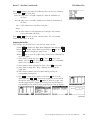
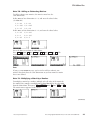
Define Mat B to have dimensions 3 2, and enter the values below.
(See Note 1L.)
1, 1 8.9
1, 2 9.1
2, 1 2.35 2, 2 2.65
3, 1 1.5
3, 2 1.6
Define Mat C to have dimensions 3 2, and enter the values below.
1, 1 2.5 1, 2 2.25
2, 1 1
2, 2 1.25
3, 1 .65 3, 2 .5
Go to the Run screen from the Main Menu.
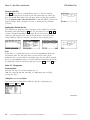
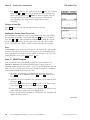
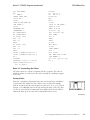
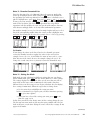
Press OPTN F2 (MAT) F1 (Mat) ALPHA [B] F1 (Mat) ALPHA [C] EXE . The
matrix showing on the screen is the sum of Matrix B and Matrix C.
Errors
If you get a Dim ERROR message, you’ve tried to add (or subtract) two
matrices that don’t have the same dimensions or you have named a matrix
that is not defined.
Note 1N • Multiplying a Matrix by a Number
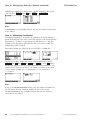
To multiply a matrix by a number, multiply each cell value of the matrix by
the number. For example, to multiply Mat A (from Note 1L) by 50, select RUN
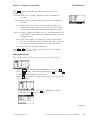
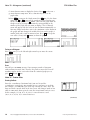
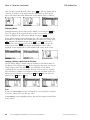
from the Main Menu. Then press 5 0 OPTN F2 (MAT) F1 (Mat) ALPHA [A] EXE .
The matrix answer appears on the screen.
(continued)
©2003 Key Curriculum Press
Discovering Algebra Calculator Notes for the Casio CFX-9850GB Plus
25