1
Note 1A • Entering Lists (continued)
CFX-9850GB Plus
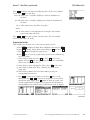
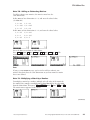
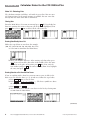
You can also enter a list into the Run screen without storing it in a stat list
by entering the values as in step b on page 8. Press EXE .
Deleting a List
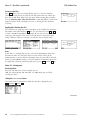
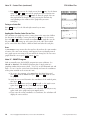
To delete a single list while in LIST mode, highlight any entry in the list and
press F4 (DEL-A) F1 (Yes). In STAT mode, press F6 (¤), then F4 (DEL-A) F1 (Yes).
To delete all lists, select MEM from the Main Menu. Highlight Memory Usage
and press EXE . Arrow down to highlight List File and press F1 (DEL) F1 (FILE1)
F1 (Yes).
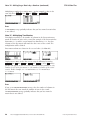
Switching Between List Files
You can store up to six lists (List 1 through List 6) in each file (File 1
through File 6). To switch between list files, select LIST from the Main Menu
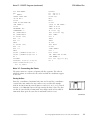
and press EXE . Press SHIFT [SET UP] to display the List setup screen. Press the
appropriate function key to select the file you want.
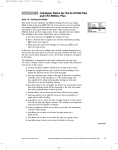
Note 1B • Mean, Median, and Mode
Enter the data into a list. (See Note 1A if you don’t remember how to enter
data into a list. This example uses the same data as the first list entered in
Note 1A.)
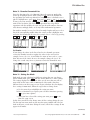
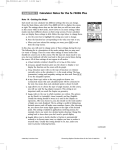
a. Press MENU , select RUN, and press EXE .
b. Press OPTN F1 (LIST).
c. Press F6 to see more menu options.
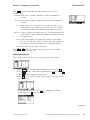
d. To find the mean, press F3 (Mean) F6 F6 F1 (List), and the number of
the list that contains the data. Then close the parentheses, press EXE ,
and press F6 to see more menu options.
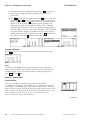
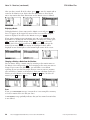
e. To find the median, press F4 (Med) F6 F6 F1 (List), the number of
the list that contains the data, and EXE .
(continued)
©2003 Key Curriculum Press
Discovering Algebra Calculator Notes for the Casio CFX-9850GB Plus
9