1
DigiGate-700™ for Windows® - User’s Guide
3 - 51
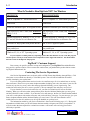
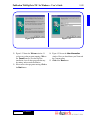
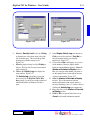
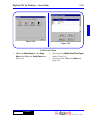
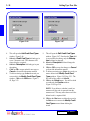
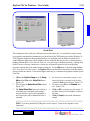
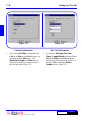
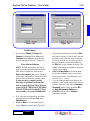
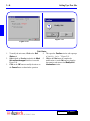
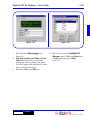
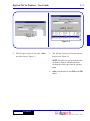
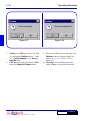
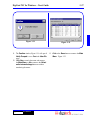
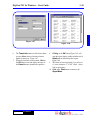
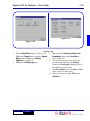
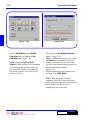
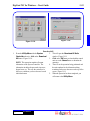
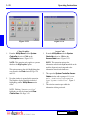
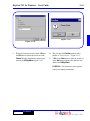
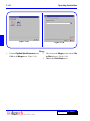
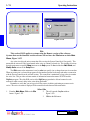
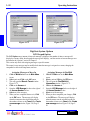
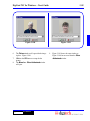
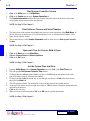
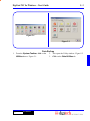
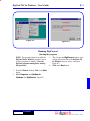
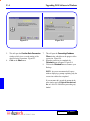
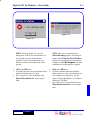
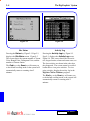
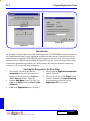
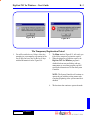
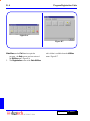
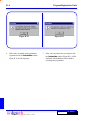
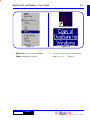
Figure 3-107
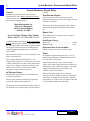
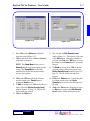
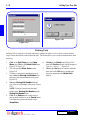
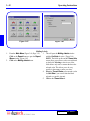
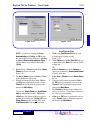
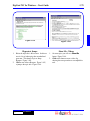
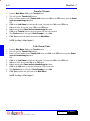
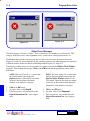
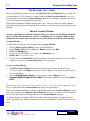
Figure 3-106
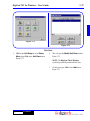
Utility
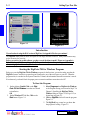
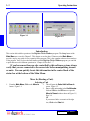
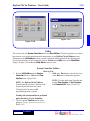
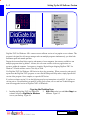
This section deals with System Controller utilities and Data Utilities. The following utilities are routines
that you may use to control and perform minor maintenance to your DigiGate-700 for Windows system.
Each button on the Utility Menu performs a specific task which will be explained in the following pages.
For all of the following, we will assume that you have Clicked on the Utility button on the Main Menu,
Figure 3-46, Page 3-24, and that the Utility Menu window is active.
System Controller Utilities
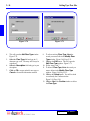
1.
2.
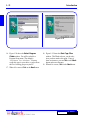
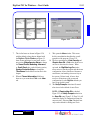
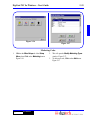
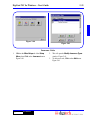
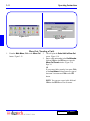
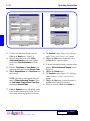
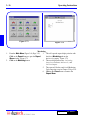
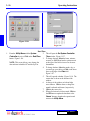
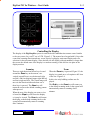
Clear SysCon
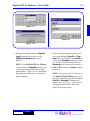
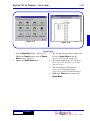
From the Utility Menu with the System
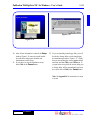
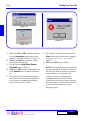
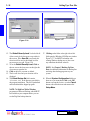
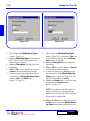
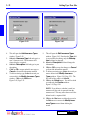
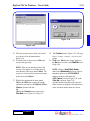
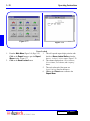
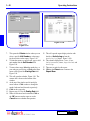
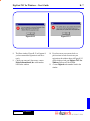
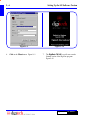
3. Click on the Yes button to clear the SysCon or
Controller tab active, Click on the Clear
on the No button to abandon the operation.
SysCon button. Figure 3-106.
NOTE: To restore the System Controller after
NOTE: The DigiGate-700 for Windows
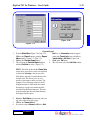
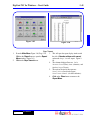
doing a Clear SysCon, do Set Controller,
System Controller (SysCon) is the heart of the
then Download All. Pages 3-52 and 3-53.
system and performs the access control.
Clearing the SysCon removes ALL
programming from the controller.
Warning: this action should not be performed
unless directed by a Service Technician.
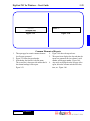
This will open the Confirm window with a
prompt of “Clear System Controller?”
Figure 3-107.
DigiGate-700™ for Windows®