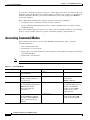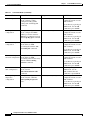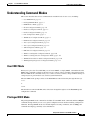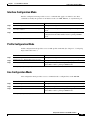
1
Chapter 1
Cisco DSLAM User Interface
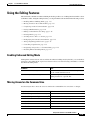
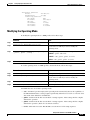
Using the Editing Features
Using the Editing Features
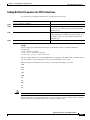
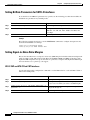
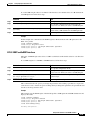
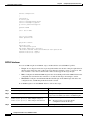
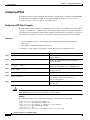
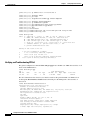
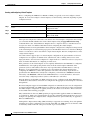
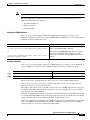
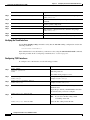
The user interface includes an enhanced editing mode that provides a set of editing functions similar to those
of the Emacs editor. Using the editing features, you can perform the tasks described in the following sections:
•
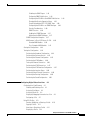
Enabling Enhanced Editing Mode, page 1-15
•
Moving Around on the Command Line, page 1-15
•
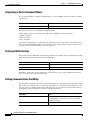
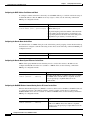
Completing a Partial Command Name, page 1-16
•
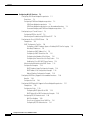
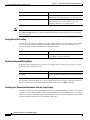
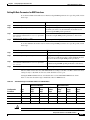
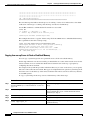
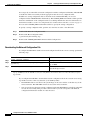
Pasting in Buffer Entries, page 1-16
•
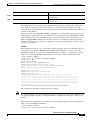
Editing Command Lines that Wrap, page 1-16
•
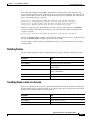
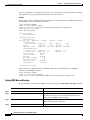
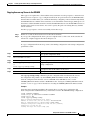
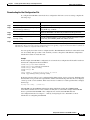
Deleting Entries, page 1-17
•
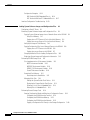
Scrolling Down a Line or a Screen, page 1-17
•
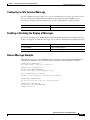
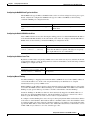
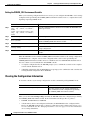
Redisplaying the Current Command Line, page 1-18
•
Transposing Mistyped Characters, page 1-18
•
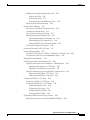
Controlling Capitalization, page 1-18
•
Designating a Keystroke as a Command Entry, page 1-18
•
Disabling Enhanced Editing Mode, page 1-19
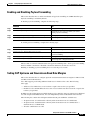
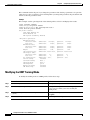
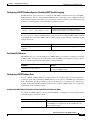
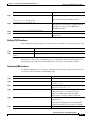
Enabling Enhanced Editing Mode
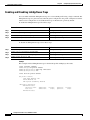
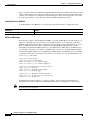
Although the current software release enables the enhanced editing mode by default, you can disable it
and revert to the editing mode of previous software releases. Use the following commands to re-enable
the enhanced editing mode:
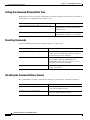
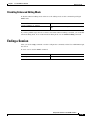
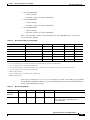
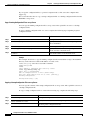
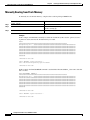
Command
Task
DSLAM> terminal editing
In EXEC mode, enable the enhanced editing features
for the current terminal session.
DSLAM(config-line)# editing
In line configuration mode, enable the enhanced
editing features for a specific line.
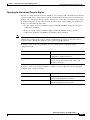
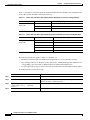
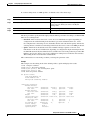
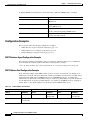
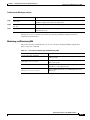
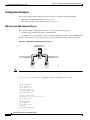
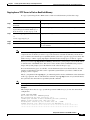
Moving Around on the Command Line
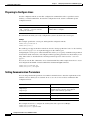
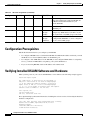
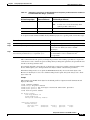
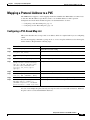
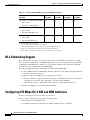
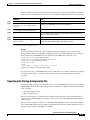
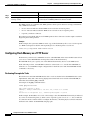
Use these keystrokes to move the cursor around on the command line for corrections or changes:
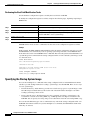
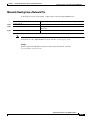
Keystrokes
Press Ctrl-B or press the Left Arrow key.
Task
1
Press Ctrl-F or press the Right Arrow key.
Move the cursor back one character.
1
Move the cursor forward one character.
Press Ctrl-A.
Move the cursor to the beginning of the command line.
Press Ctrl-E.
Move the cursor to the end of the command line.
Press Esc B.
Move the cursor back one word.
Press Esc F.
Move the cursor forward one word.
1. The arrow keys function only on ANSI-compatible terminals such as VT100s.
Configuration Guide for Cisco DSLAMs with NI-2
OL-2074-03
1-15