1
Proof Sign-off:
SEI Y.Ohkawara T.Takahashi
T.Takahashi
SEI M.Kauppi K.Blair
R
R4C4620
Rev. C
A5 size
3/29/00
SOFTWARE.FM
Pass 3
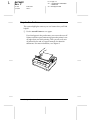
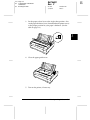
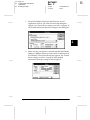
1. Select Print Setup or Print from the File menu of your application
software. The Print or Print Setup dialog box appears.
4
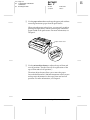
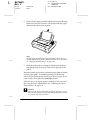
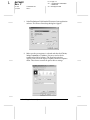
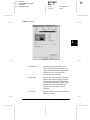
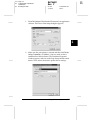
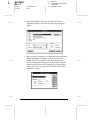
2. Make sure that your printer is selected and then click Printer,
Setup, Properties, or Options. (You may need to click a
combination of these buttons.) The Document Properties
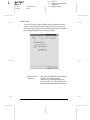
window appears, and you see the Page Setup and Advanced
menus. These menus contain the printer driver settings.
Using the Printer Software
4-17