1
Proof Sign-off:
SEI Y.Ohkawara T.Takahashi
T.Takahashi
SEI M.Kauppi K.Blair
R
R4C4620
Rev. C
A5 size
3/29/00
SETUP.FM
Pass 3
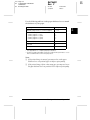
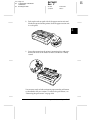
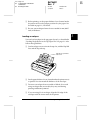
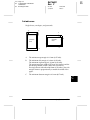
❏ Print on ordinary paper only.
❏ Move the paper-thickness lever to the next lowest position.
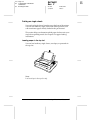
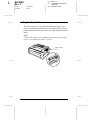
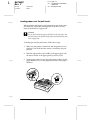
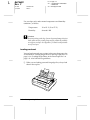
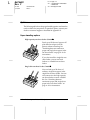
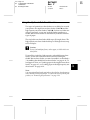
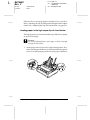
Attaching the Paper Guide
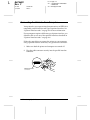
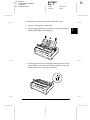
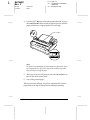
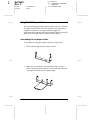
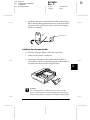
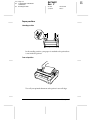
To install the paper guide follow these steps:
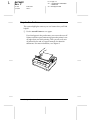
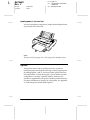
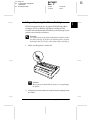
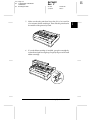
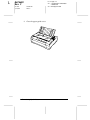
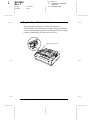
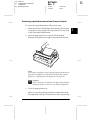
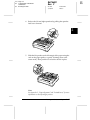
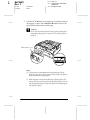
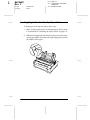
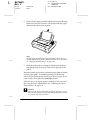
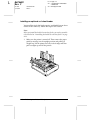
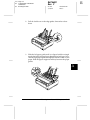
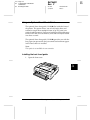
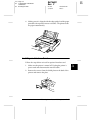
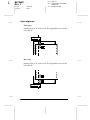
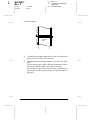
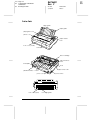
1. Make sure the paper guide cover is open as shown below.
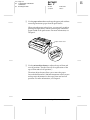
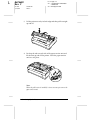
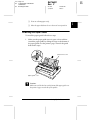
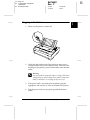
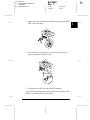
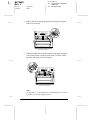
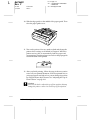
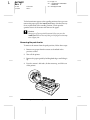
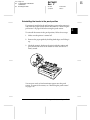
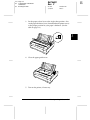
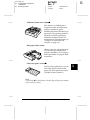
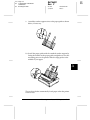
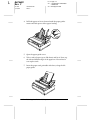
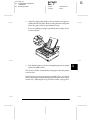
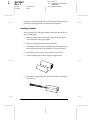
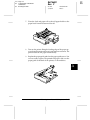
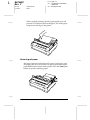
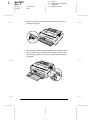
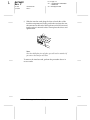
Attach the paper guide by sliding the slots on the bottom of
the paper guide over the printer's pegs. Then tilt the guide
back until it stops.
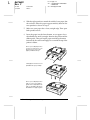
paper tension unit
paper guide cover
c
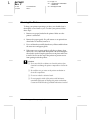
Caution:
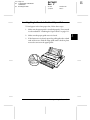
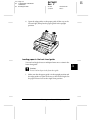
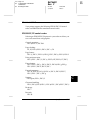
Make sure to slide the slots on the bottom of the paper guide over
the printer's pegs on each side of the printer.
Setting Up the Printer
1-11
1