1
Running the self test is the same as when the cut sheet feeder mode
is off. The steps below are for a self test in draft mode.
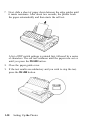
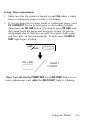
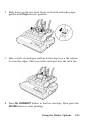
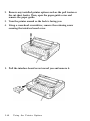
1. Make sure that the printer is turned off and a stack of paper is
inserted in the selected bin of the cut sheet feeder. Check that the
cut sheet feeder mode is selected and the paper release lever is
pushed to the rear.
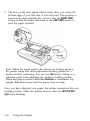
2. While holding down the LINE FEED button, turn on the printer.
(For Letter Quality mode, press the FORM FEED button instead of
the LINE FEED button.)
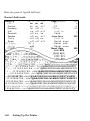
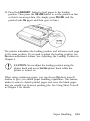
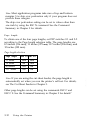
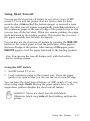
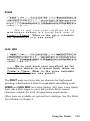
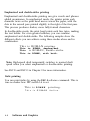
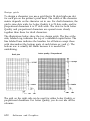
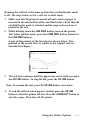
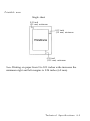
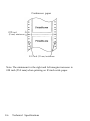
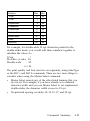
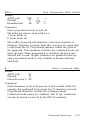
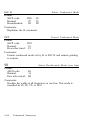
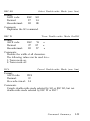
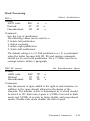
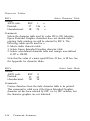
A part of the printout of the first sheet is shown below. The
printout of the second sheet is similar to the original self test
described in Chapter 1.
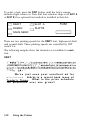
This is the first line.
This is line XX.
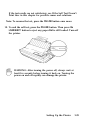
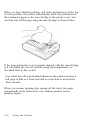
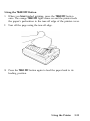
3. The self test continues until the paper runs out or until you press
the ON LINE button. To stop the test, press the ON LINE button.
Note: To resume the test, press the ON LINE button once more.
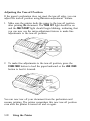
4. To end the self test when paper is loaded, press the ON LINE
button to take the printer off line. Press the LOAD/EJECT button to
eject the paper. Then turn off the printer.
Using the Printer Options
5-11