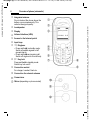
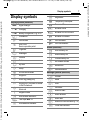
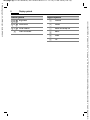
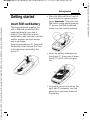
1
left page (16) of C65 Hera en, A31008-H7800-A1-1-7619 (15.06.2004, 08:19)
General instructions
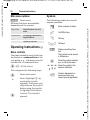
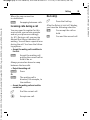
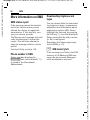
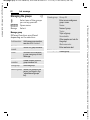
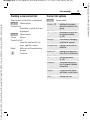
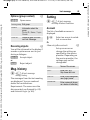
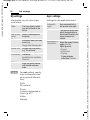
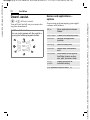
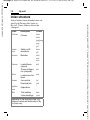
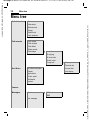
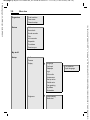
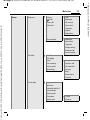
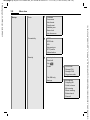
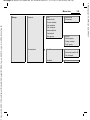
Main menu options
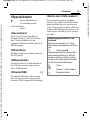
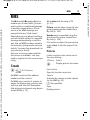
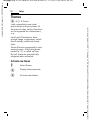
Symbols
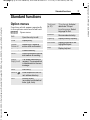
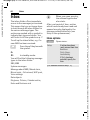
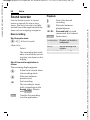
§Options§
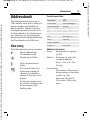
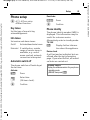
The following symbols are used to
explain operation:
Open menu.
Different functions are available
depending on the context.
J
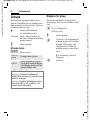
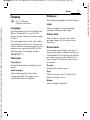
Big letters
Select between two font
sizes.
Illumination
Set display illumination to
brighter/darker.
Help
Display a help text.
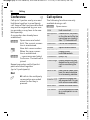
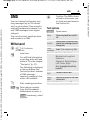
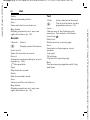
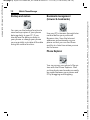
Operating instructionsb
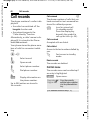
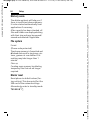
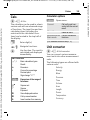
Menu controls
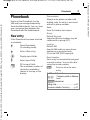
The steps needed to reach a function
are shown in a condensed form in this
user guide, e. g., to display record of
missed calls in condensed form:
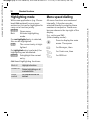
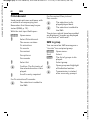
C ¢P¢Calls missed
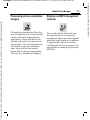
This comprises the following steps:
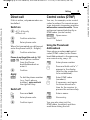
C
¢
C
Open main menu.
Select (highlight) P by
moving the joystick
upwards, then press vertically down on the joystick
before using the joystick
to highlight Calls missed.
Confirm. The record is
opened.
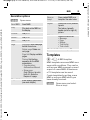
B
A
<>
§Menu§
C
DFE
H I G
=
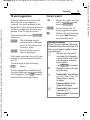
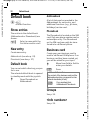
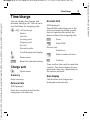
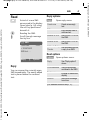
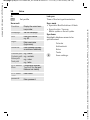
Enter numbers or letters.
On/Off/End key
Call key
Soft keys
Displays a soft-key function.
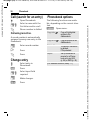
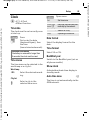
The joystick can be moved
in 5 directions.
Press the joystick vertically,
e.g., to call up the menu.
Press the joystick in the
direction indicated.
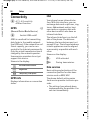
Function dependent on
service provider, may
require special registration.
Siemens AG 2003, C:\Daten\Siemens\Produkte\C65\output\FUG\C65_fug_en_040615_rs_pk_druck\C65_Startup.fm
VAR Language: en; VAR issue date: 040517
16