1
Performing System Diagnostics
Reviewing Hardware Information
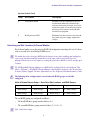
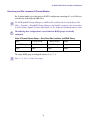
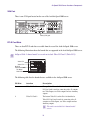
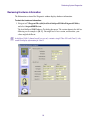
The Information section of the Diagnostic window displays hardware information.
To check the hardware information:
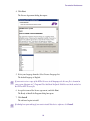
1. Navigate to C:\Program Files (x86)\Avid\Avid AirSpeed\Utilities\DiagnosticUtilities,
and select Airspeed5000Test.exe.
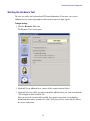
The Avid AirSpeed 5000 Hardware Test dialog box opens. The version shown in the title bar
following screen example is [00.32]. You might have a later version, and therefore, your
values might be different.
n
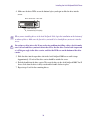
As AirSpeed 5000 2-channel model servers only contain a single Video I/O card (Card 1), they
would not display information for Card 2.
59